While the LCD is plugged in, a USB mouse can also be plugged in to the USB port shown in figure 1. This allows
custom settings of the DVR (a right-click to enter the settings menu).
Time stamp
The DVR has an internal battery to keep time in track when eSTOP power is off. The time should be adjust to
the local time by entering the settings menu.
Play back video
Video play back can be done by accessing the DVR menu using the LCD and a mouse.
This can also be achieved by using a Windows computer and the PC software to read back the video storage on
the SD card. The SD card is located on the bottom of the DVR as shown in figure 1.
Using the MDVR player to play back video
Installing the software
The MDVR player software can be found in the CD provide or contact supplier
for a copy of the MDVR software. Or download from google drive below:
https://drive.google.com/drive/folders/1mdSDaauaRsrbOA3rruHFplIehOipbgky?usp=sharing
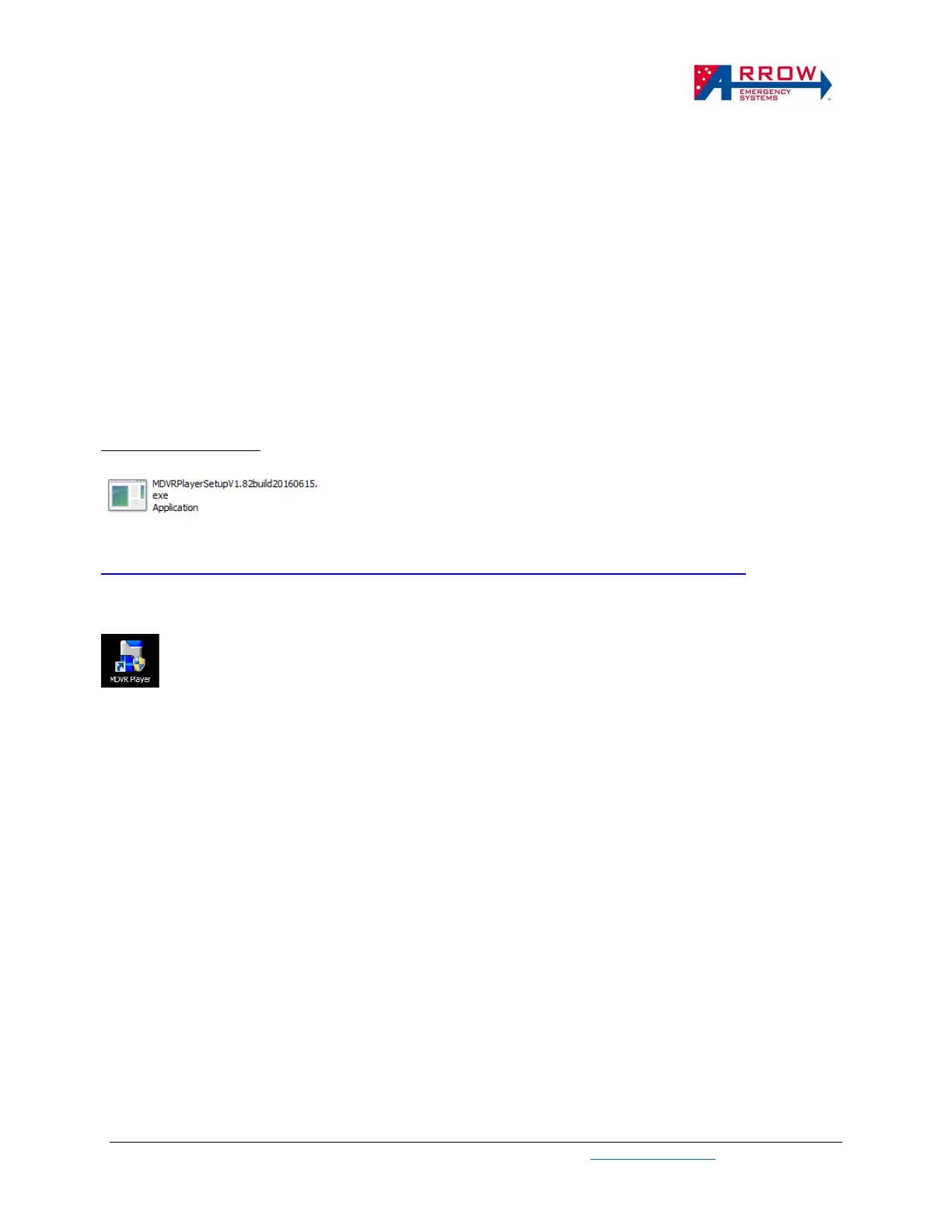
Open the installer file shown above and follow the setup wizards to complete installation.
Once the software is installed and shortcut icon shown above is create on the desktop. Open this software.


 To Next Page