9.3. Project Browser
The Project Browser shows a list of all the Projects that have been archived using the MIDI
Control Center. These are divided into two main groups of Templates: Factory and User.
The User Templates are the ones you have recalled from the KeyStep Pro using the MIDI
Control Center. See Store To/Recall From [p.130] to learn how to do this.
A Template in the MIDI Control Center is the same thing as a Project inside your KeyStep
Pro: it contains the Project-level settings, the Control mode settings (including the 16 Scenes),
and the Patterns from all four sequencers.
User Templates: click +/- to expand or collapse Project view
9.3.1. Building a Project Library
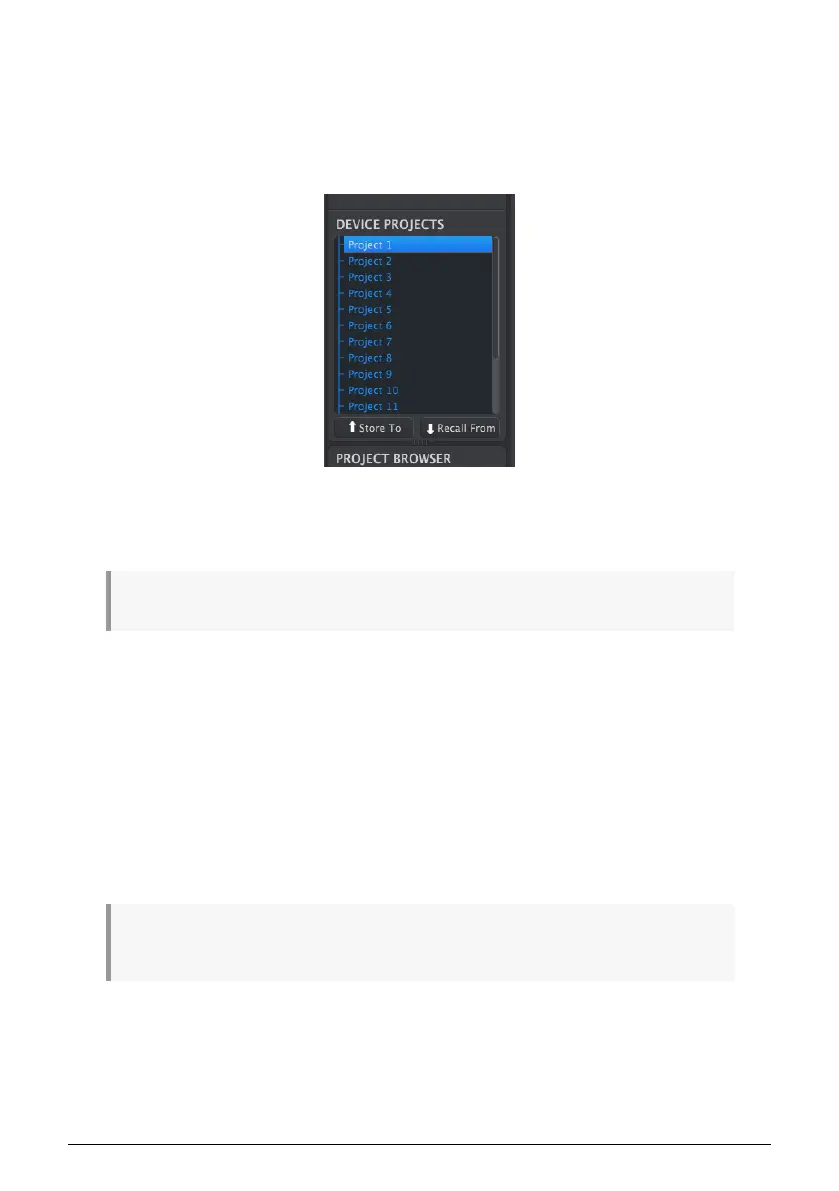
You can build a limitless library of Projects in the User Templates area. Simply drag one of
the Projects to the Project Browser window and it will be transferred from the KeyStep Pro
automatically. Then you can give it a new name if you like.
9.3.2. Revise a Template
If you'd like to modify a Template you can drag it from the Project Browser and drop it on
one of the Projects in the Device Projects area. This will send the selected Project directly
into the KeyStep Pro internal memory at that Project location.
!: This process will overwrite the selected Project in the KeyStep Pro internal memory. Be sure to
save what you were doing before you transfer the file!
128 Arturia - User Manual Keystep Pro - KeyStep Pro Configuration














 To Next Page