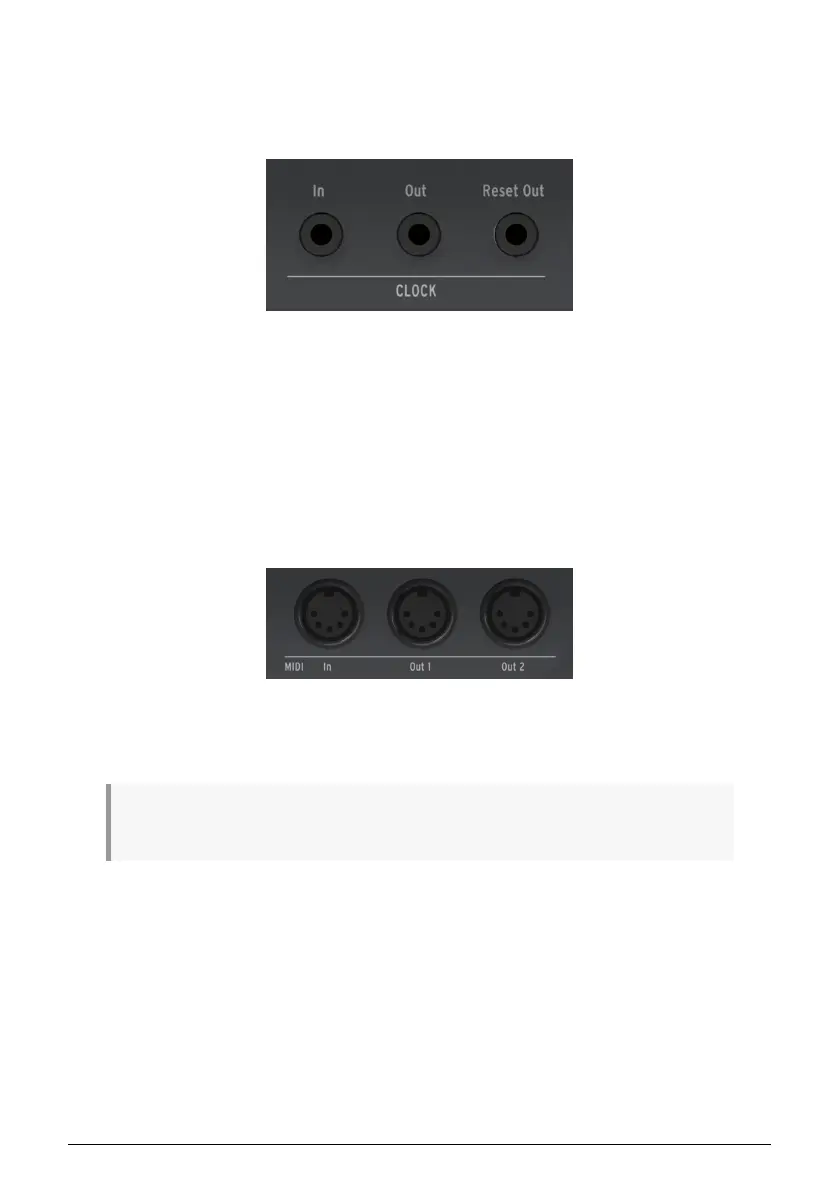
4.3.3. Clock Section
These three jacks (In, Out, Reset Out) allow you to interface with modular synthesizers
and pre-MIDI technology that was capable of clock synchronization (such as early drum
machines produced by Korg and Roland).
The KeyStep Pro is capable of both sending and receiving synchronization signals. It also
has a Reset Out, allowing external sequencers with a reset input to re-start from the
beginning of a sequence whenever a KeyStep Pro sequence is restarted.
Please see Chapter 7 [p.105] for information about clocking and synchronization.
4.3.4. MIDI Section
Three full-sized 5-pin DIN connectors let you send and receive MIDI data to/from external
MIDI-compatible devices. The KeyStep Pro includes one MIDI input and two independent
MIDI outputs to provide maximum flexibility when working with external hardware.
The KeyStep Pro can send not only MIDI note-related data but also MIDI synchronization
signals, so that your external tempo-dependent devices (such as sequencers, arpeggiators,
etc.) remain in sync.
♪: When working with a host computer, these connectors can also be used to send MIDI data from
your music software to your connected hardware.
48 Arturia - User Manual Keystep Pro - KeyStep Pro Overview














 To Next Page