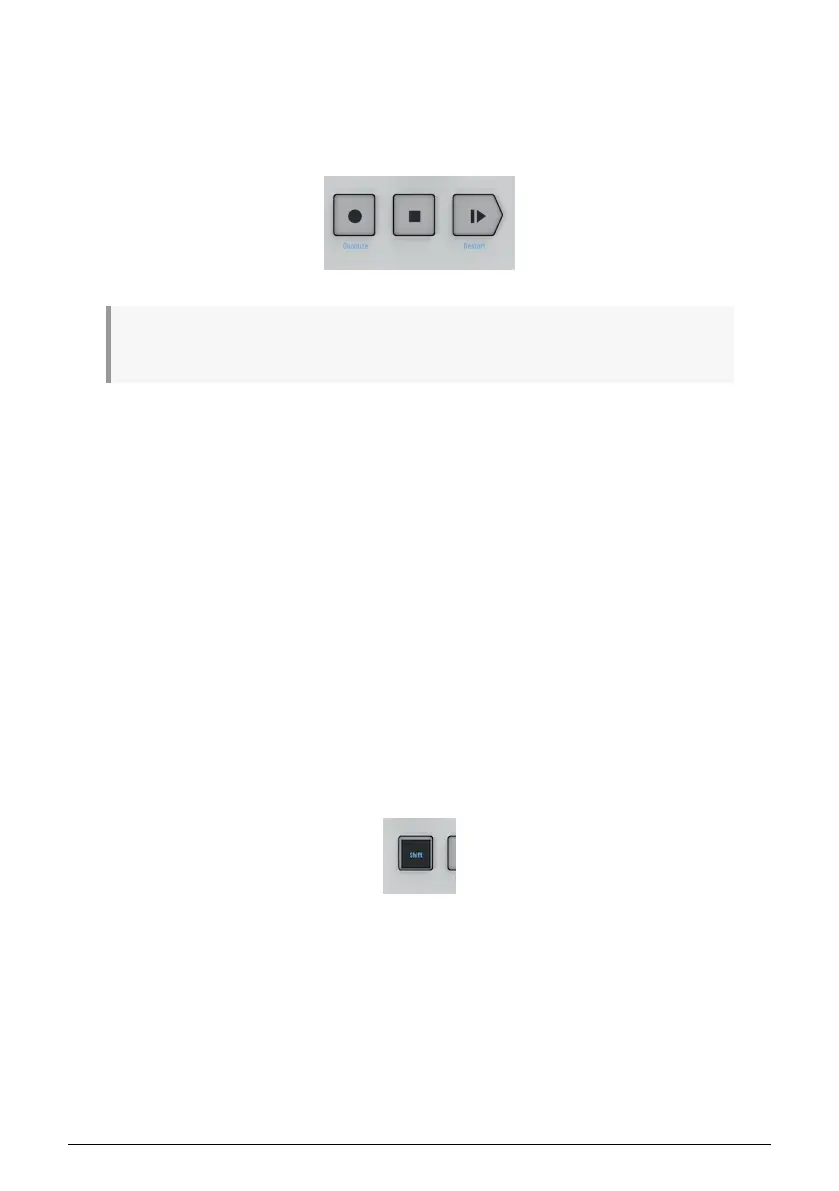
4.2.2. Transport Section
The three Transport buttons control the sequencers, the arpeggiators and any external MIDI
devices by using MIDI Machine Control (MMC). If your DAW does not respond to MMC
commands, the Transport buttons can be configured to send other MIDI messages . Please
refer to the MIDI Control Center [p.126] to make changes if needed.
♪: In sequencer mode, all three Transport buttons are active. In arpeggiator mode, only Play/Pause
and Stop are active.
4.2.2.1. All Notes Off
The Stop button has an additional function. If for some reason you end up with a stuck note
playing, just press the Stop button quickly three times in a row. The KeyStep Pro will then
send an All Notes Off command via MIDI.
4.2.3. Built-in Metronome Speaker
The Metronome speaker plays the output of KeyStep Pro's built-in metronome. The
Metronome Level knob on the back panel sets the speaker volume. The metronome can be
switched on or off by holding down SHIFT while pressing the Tap Tempo button.
Read Chapter 7 [p.105] to learn more about the Metronome and synchronization in general.
4.2.4. SHIFT Button
The SHIFT button gives access to secondary functions, all of which are printed in blue on
the front panel. Most of them are printed above the keys of the keyboard or below the step
buttons.
All of these functions are accessed by holding down the SHIFT button and pressing another
button that has blue text below it or a key of the keyboard that has blue text above it. For a
detailed overview of the SHIFT functions, refer to the SHIFT function overview later in this
chapter.
26 Arturia - User Manual Keystep Pro - KeyStep Pro Overview














 To Next Page