!: You will hear the effect of quantization very clearly if you first set Tempo to 30.00 BPM and Time
Division to 1/4 (with SHIFT + 1/4). Now record a Pattern in realtime with lots of very quick notes. Now
press SHIFT + Qnt 50% (step button 10) to hear how the notes start to cluster around the beats. Pressing
SHIFT + Qnt 100% (step button 11) makes the clustering even stronger, so that notes almost turn into
chords.
Hold down SHIFT and press REC/Quantize to deactivate quantization.
5.3.3. Editing Steps
We've already explained the basics of step-editing in Chapter 3 [p.7], but there's much more
to learn and discover.
In several ways, the KeyStep Pro sequencer is more advanced than a traditional step
sequencer. One advanced feature is that it lets you transpose the sequence simply by
playing keys on the keyboard. Most early step sequencers could not do this; instead,
the pitch of each note was set with a knob or slider. More importantly, the KeyStep Pro
sequencer lets you edit all parameters of the note or notes stored in a step.
5.3.3.1. Step Edit Mode
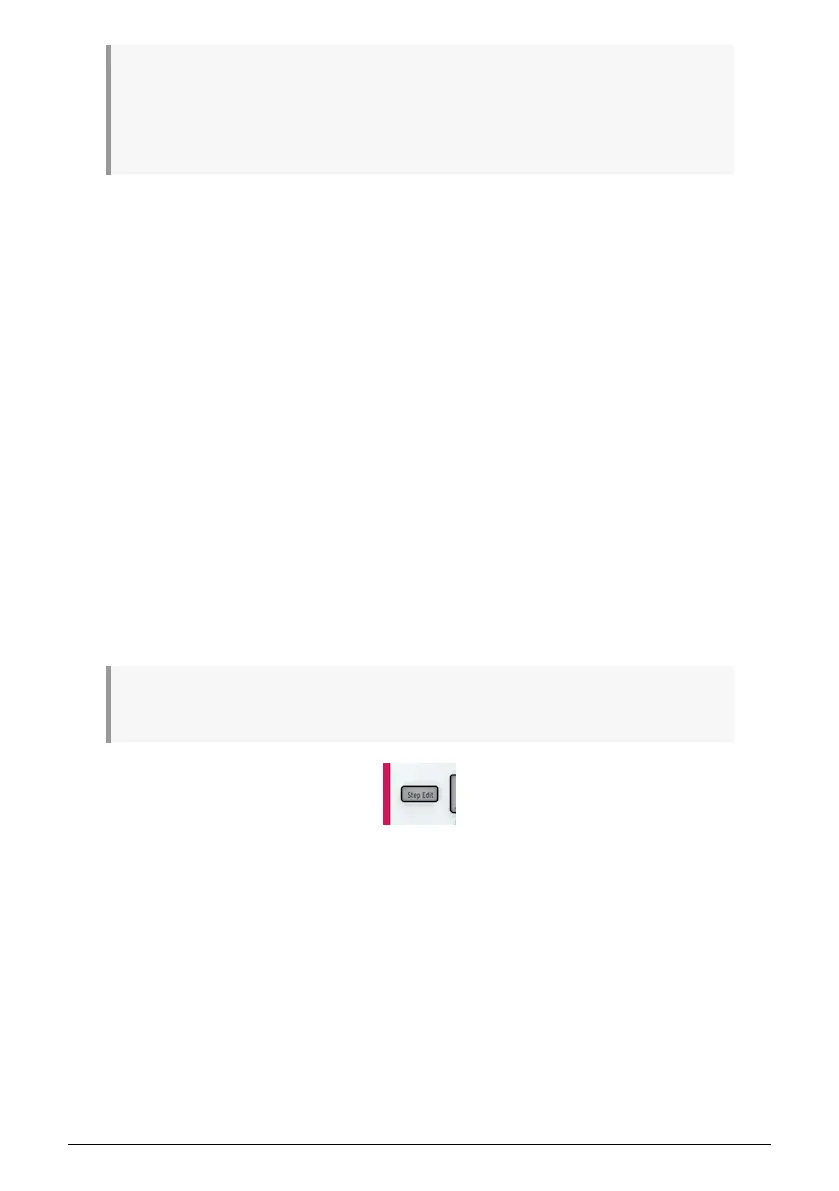
Enter Step Edit mode by pressing the Step Edit button, which is probably one of the most
important buttons on the KeyStep Pro. You use it to edit the steps of the currently selected
sequence individually.
In Step Edit mode, the keyboard turns into a traditional step editor. When a step is active (its
button is blinking), you can edit all of its parameters: for example, turning the Pitch encoder
will lower or raise the pitch of the note or notes stored in that step; turning the Gate encoder
will shorten or lengthen the gate time of the note or notes stored in that step.
♪: If you have a chord stored in the current step, all its pitches will move up or down by the same
amount and all its gate times will be shortened or lengthened by the same amount.
64 Arturia - User Manual Keystep Pro - Making Tracks














 To Next Page