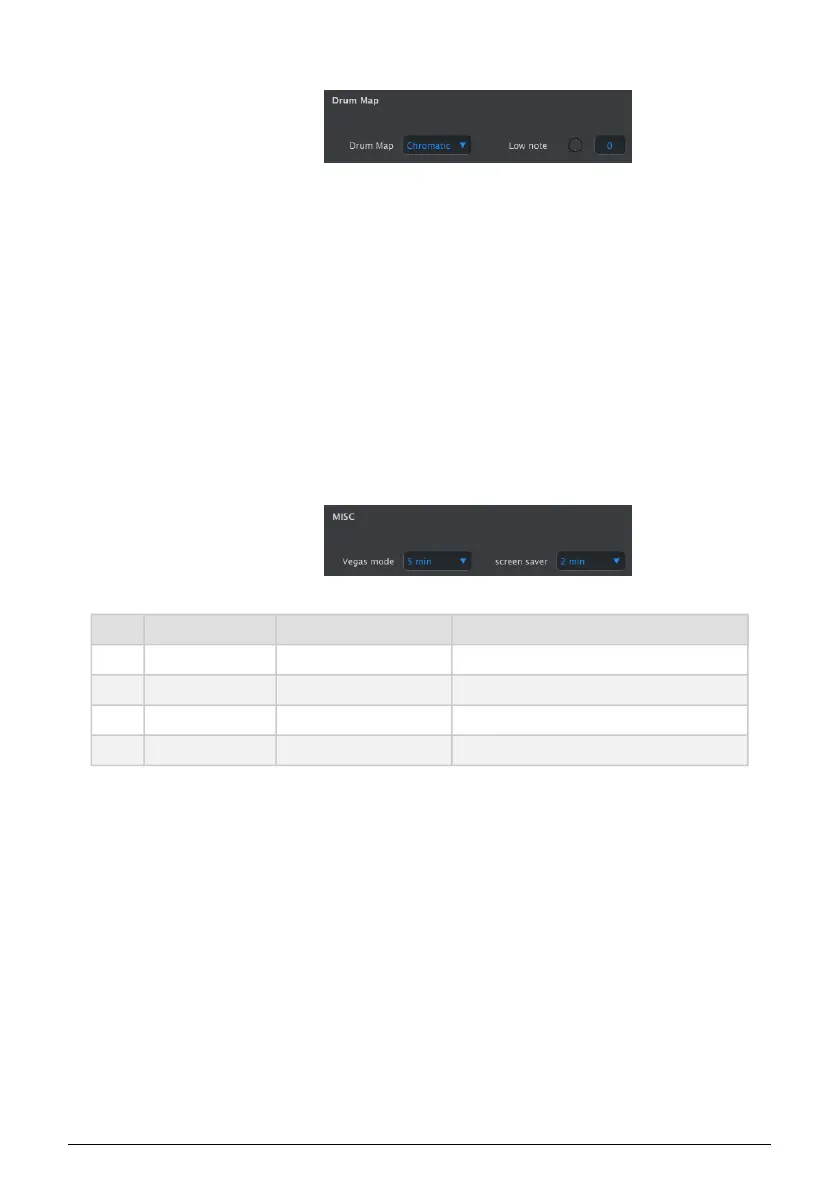
9.5.9. Drum Map
There are four options for the MIDI note assignments of the keys in Drum mode:
In the Mode menu, you can select whether you want to map your Drum Track keys in the
standard chromatic way or to create a custom mapping.
Config>Chromatic enables you to set the Chromatic Low note: which note the lowest key will
trigger when Track 1 is in Drum mode. All keys above that lowest key will be mapped relative
to this note.
Config>Custom Notes: Enables you to link the 24 Drum keys on the keyboard to a MIDI note
number in the range 0 to 127. The default mapping starts at MIDI note 36.
Note: MIDI notes that are already used by another note are not displayed when navigating
the list.
9.5.10. Misc
Misc Values Description
Vegas Mode [5min (d), 10min, never] Sets the start time of the VEGAS LED pattern.
Screen Saver [2min (d), 10min, 30min] Sets the start time for the screen saver.
Reset Factory Confirm [Yes,No] Restores the factory settings
Firmware version Displays current Firmware version
Arturia - User Manual Keystep Pro - KeyStep Pro Configuration 137














 To Next Page