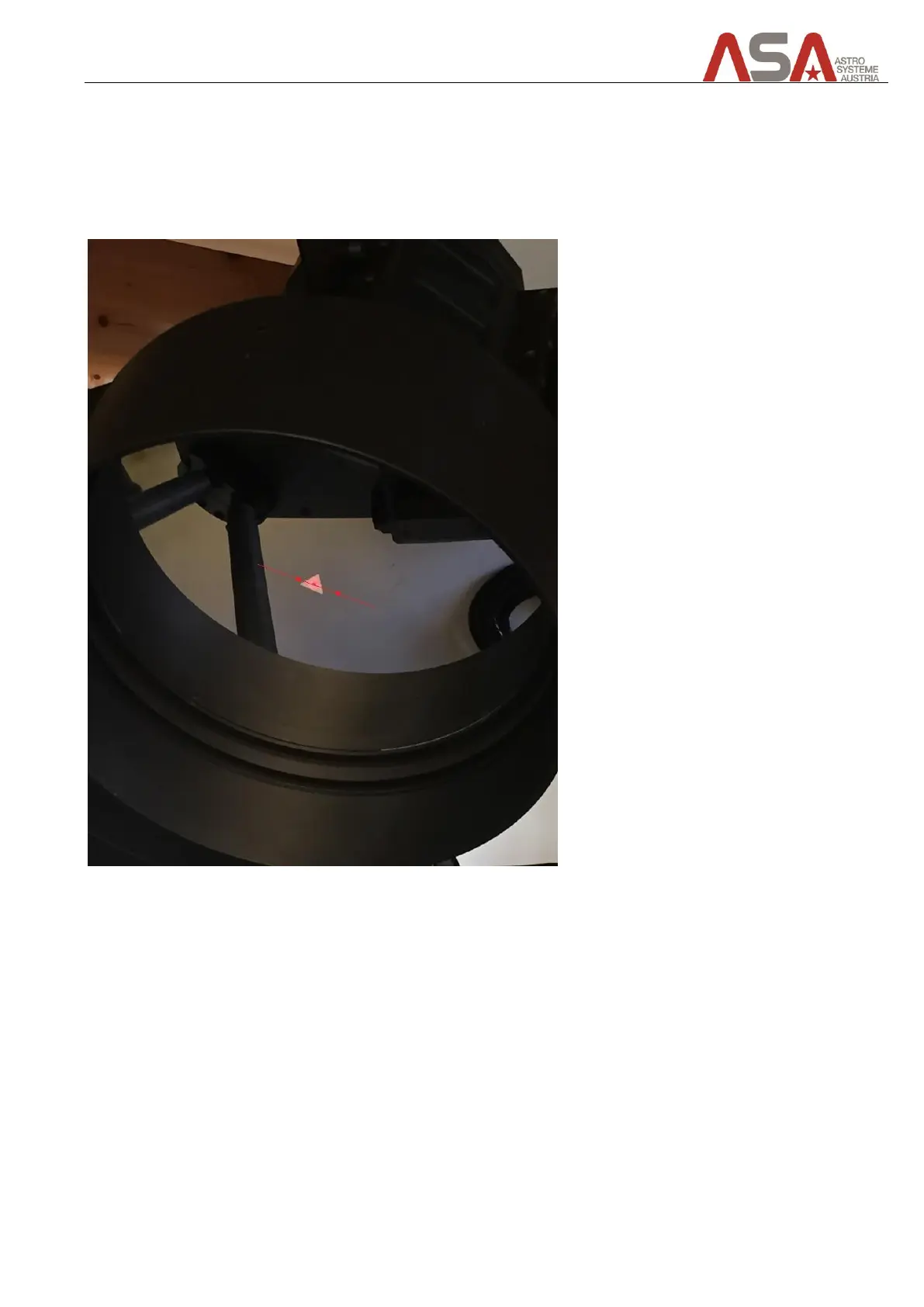
When you look at the secondary mirror you will see a laser point, that is probably not centred in the sticker on
the secondary mirror. When you now switch to the other focus port, by rotating the tertiary mirror, you will see
that now the laser point is in a different position as it was on the other focus port. Our goal is to adjust the
tertiary mirror, so that the laser points of focus port A is exactly in the same position as the laser point of focus
port B.
Figure 52 - before collimating the tertiary mirror


 To Next Page