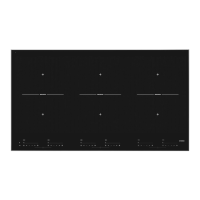
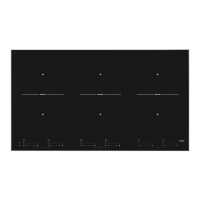
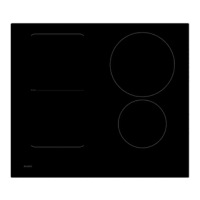
bridges the cooking zones depending on the size of the pan (only if the hob was already switched
on).
• If the Bridge Induction zones are linked, they cannot be set to boost and, the menu functions
cannot be used.
• Use a fish pan or other pan covering at least one of the Bridge Induction zones in the middle.
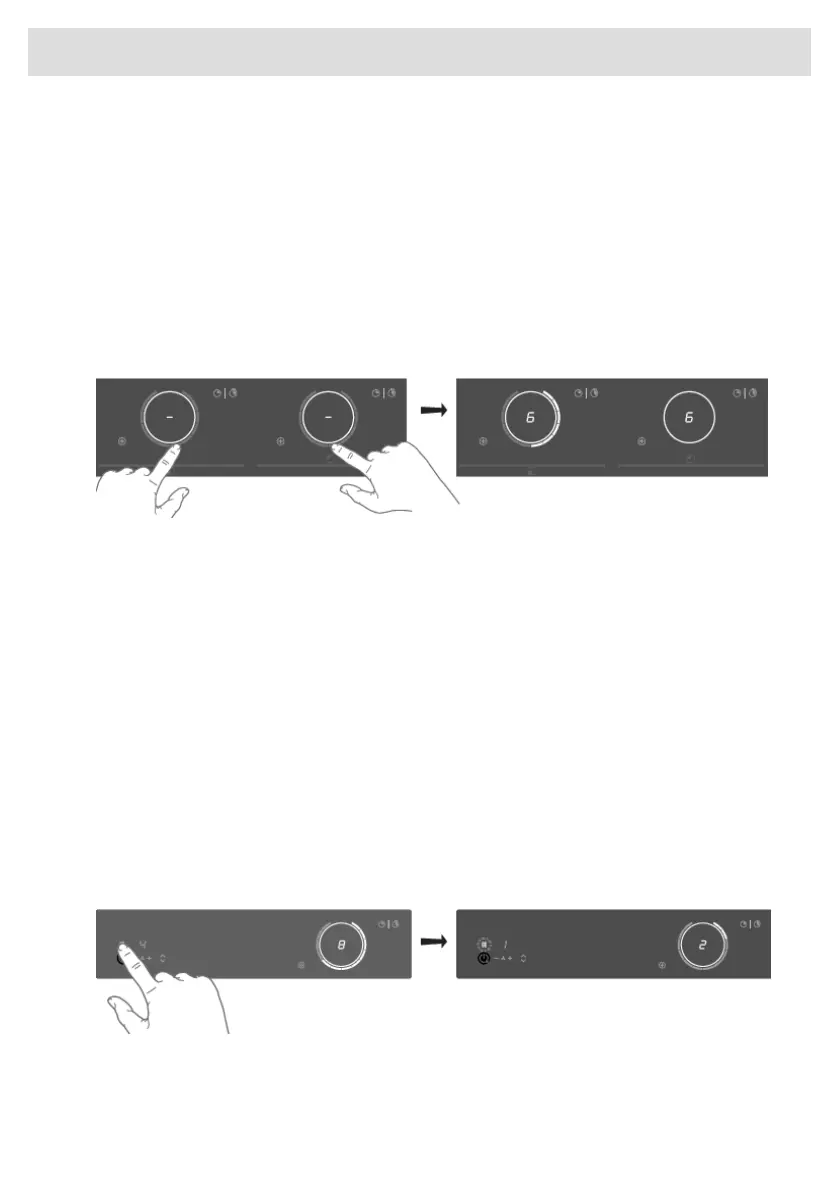
Connecting Bridge Induction zones
1. Place a large pan on both cooking zones so that both zones are well covered.
•
If the brd (auto-connecting) function is active, the zones are linked automatically (consult
chapter 'Settings').
2. Touch the sliders of both left or both right cooking zones.
• The power level or temperatures are displayed simultaneously on both connected cooking
zones.
3. Use the slider of the front cooking zone to set the desired cooking setting for the linked cooking
zones.
4. Touch both sliders again to unlink the cooking zones.
Pause
The pause function can be used to pause the operation of the entire cooking hob for up to 10 minutes.
Thus, you can walk away from the appliance or safely clean the cooking hob, within a short period,
without losing your settings.
Switching on the pause
At least one cooking zone must be active.
Touch the pause key.
• You will hear a short beep.
• The settings on all active hobs are reduced to level 2.
• All timer functions are paused.
• The pause key flashes.
• All keys are inactive except the pause and on/off-key.
38
Operation


 To Next Page