ASPION G-Log Manager – PC software / Before getting started
User manual – Version 3.2/11-19 Copyright © ASPION GmbH Page 17
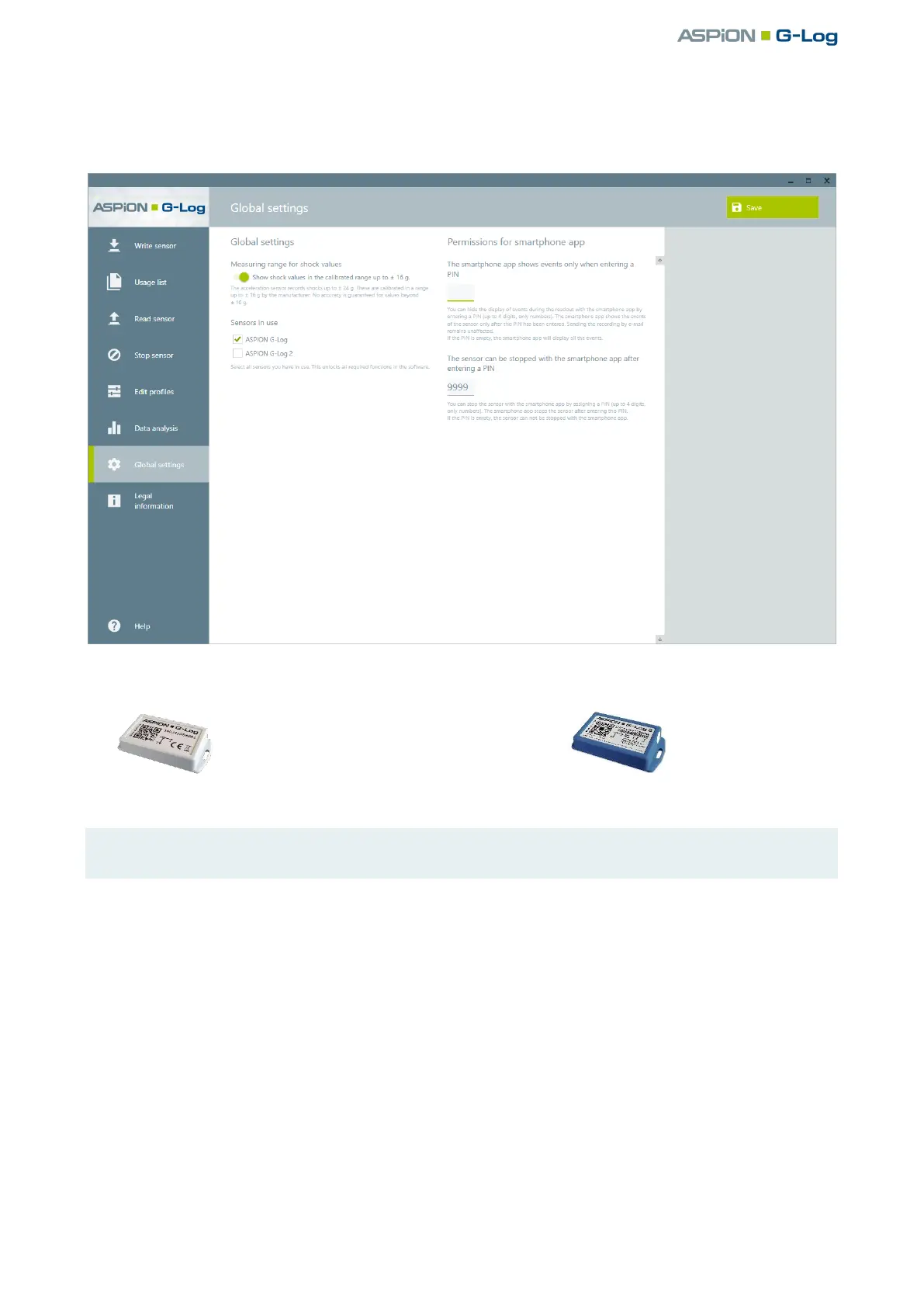
You set the sensor type or both sensor types as follows:
Select Global settings in the left area.
Select the sensor type(s) you use:
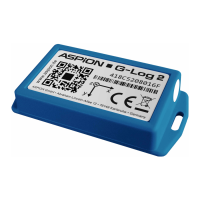
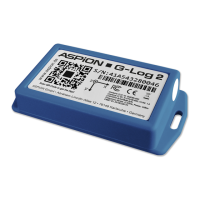
ASPION G-Log and Waterproof = light gray housing ASPION G-Log 2 = blue housing
Save your selections by clicking Save.
Tip: Select only the sensor type which you are planning to use productively. This returns a better
overview of the necessary information and functions.


 To Next Page
 Loading...