50 51
English
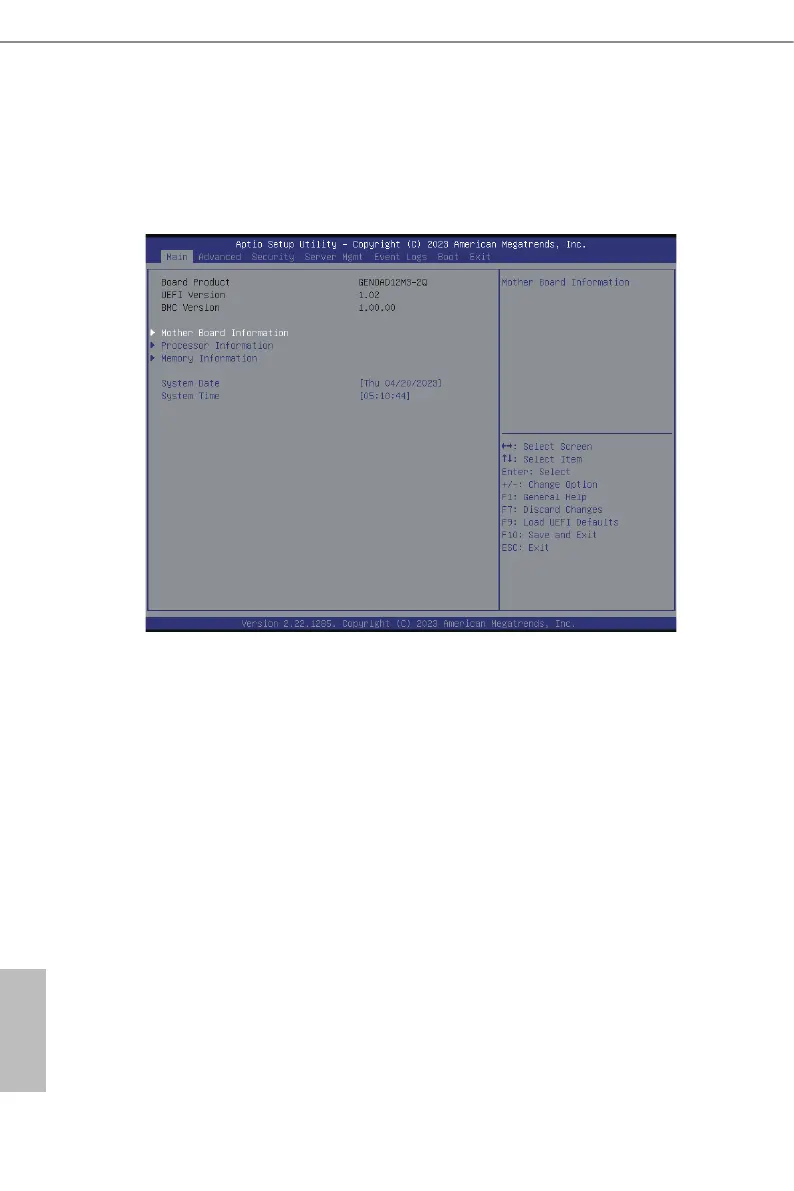
3.2 Main Screen
Once entering the UEFI SETUP UTILITY, the Main screen will appear and display the
system overview. e Main screen provides system overview information and allows user
to set the system time and date.
Motherboard Information
Enter this item to view the motherboard information.
Processor Information
Enter this item to view the processor information.
Memory Information
Enter this item to view the memory information.
Note: e screenshots in this user manual are examples and for references only. e actual images may
slightly vary depending on the model and the version using.






 To Next Page