Copyright © 2016, Sargent Manufacturing Company, an ASSA ABLOY Group company. All rights reserved.
Reproductions in whole or in part without express written permission of Sargent Manufacturing Company is prohibited.
07/31/16
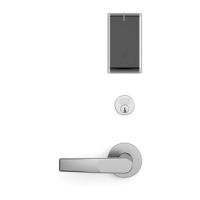
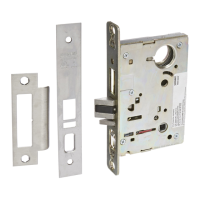
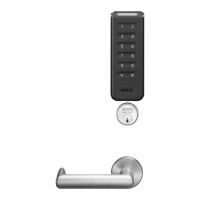
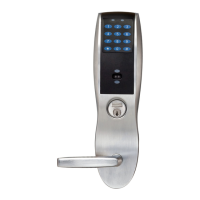
IN100 Cylindrical Lock
Install strike in the door frame (Fig. 2).
2 Install Strike
Fig. 2
Centerline of
Latch Front and
Strike
(2) #8-32 x 3/4"
Latch Screws
1. Install latch with beveled bolt facing the strike.
2. Attach with two screws but DO NOT tighten completely at this time.
See section 8 - Secure Lock to the Door.
3 Install Latchbolt
Fig. 3B
Strike
IMPORTANT: Latch bevel must match door bevel and
deadlocking latch must stop on strike when door is closed.
Deadlocking Latch
Inside of Door
Fig. 3A
4 Install Door Position Switch (DPS)
1. Push wires through raceway toward lock prep.
2. Push DPS firmly into place by hand.
Note: DO NOT TAP SWITCH WITH ANY TOOL.
3. Install magnet into door frame. Push firmly into place by hand.
See A7983.
4. To connect DPS to lock controller per diagram, refer to the wiring in
Step #10 (Page 15).
Fig. 4
Inside of Door
DPS
(Door Position Switch)
CAUTION: if DPS is not installed or is installed
improperly, door status monitoring features will
not function.


 To Next Page
 Loading...