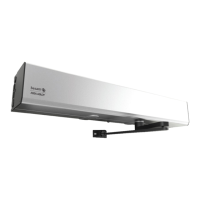
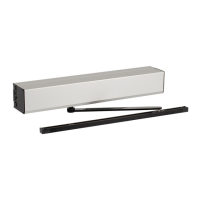
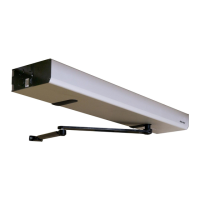
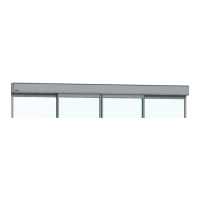
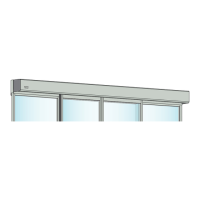
General accessories
Your ASSA ABLOY SW200 can be further improved with the following add-ons (please contact your
local ASSA ABLOY company for detailed description).
•
Position switch
, see page 9
•
Electrical lock
, see page 9
•
Key switch
, see page 9
•
Elbow switch
, see page 9
•
Radar
, see page 9
• Wireless transmitters (not illustrated)
• Access control (not illustrated)
• Door stop (not illustrated)
Safety accessories
Even though the ASSA ABLOY SW200 is installed to comply with all applicable safety regulations, it
is possible to enhance safety/comfort with the following add-ons (please contact your local ASSA
ABLOY company for detailed description).
•
Safety sensors
, see page 9
•
Finger protection
, see page 9
Troubleshooting
RemediesWhat's wrong?
The door does not open
Change the setting of the program selector (see page 6).The motor does not start
Check that there are no objects in the detection zone if a sensor is
fitted.
Check the mains switch and fuse in the building.
Unlock the mechanical locks.The motor starts but door(s)
will not open
Check that nothing is jammed beneath the door.
Change the setting of the program selector (see page 6).The door does not close
Check that there are no objects in the detection zone if a safety sensor
is fitted.
Check that nothing is jammed beneath the door.
Check that there are no moving objects within 39"-59" (1-1.5 m)
from the door if an automatic activation unit is fitted.
The door opens and closes
continuously
If the problem continues, please contact your A SSA ABLOY representative.
15Issue 2018-03-281007717-en-US-3.0


 To Next Page
 Loading...