4.1. Power Up
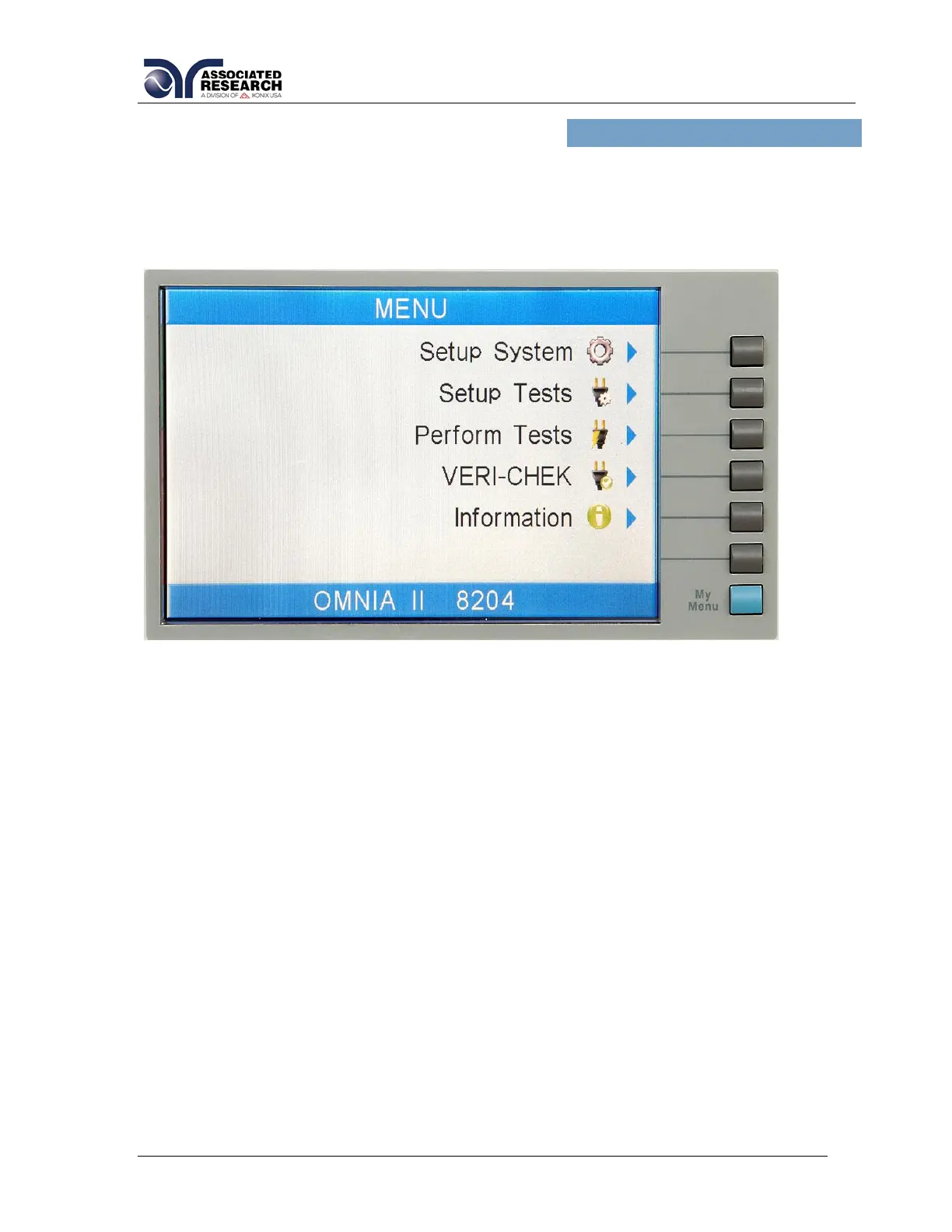
The OMNIA automatically defaults to the Main Menu screen upon power up. The
Main Menu screen will appear as follows:
From the Main Menu screen five menus screens may be accessed: Setup System,
Setup Tests, Perform Tests, FailCHEK and Information
4.2. Setup System
From the Main Menu screen, press the “Setup System” soft key. The Setup System
screen will now be displayed. From the Setup System screen, five different hardware
and software controls may be accessed: Time and Date, Calibration Alert, Hardware,
Security and User Interface. Pressing the EXIT key at any time will return you to the
Main Menu screen.



 To Next Page
 Loading...