90
4.6. My Menu
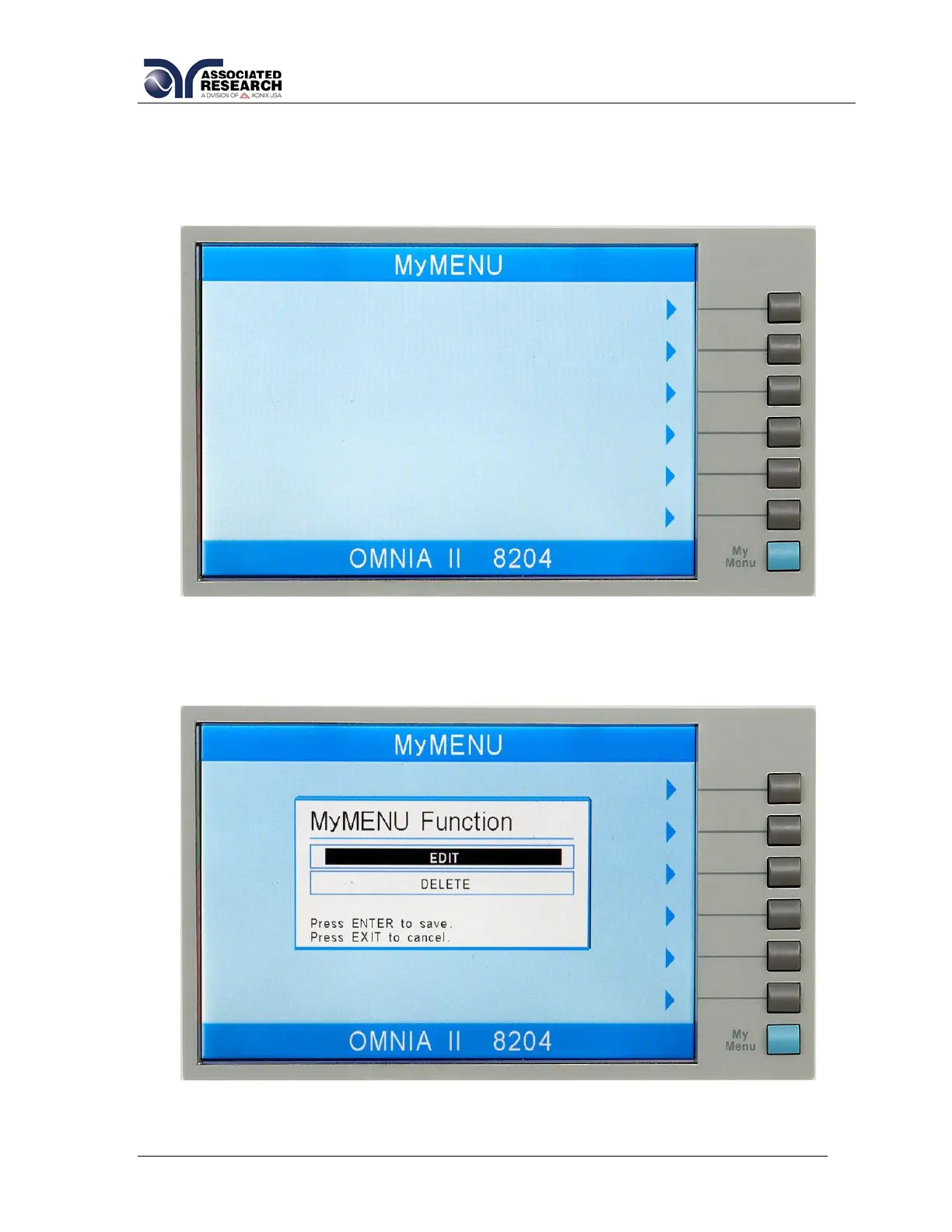
From the System Setup screen press the “My Menu” soft key. The My Menu screen
appears as follows:
The My Menu function allows the user to configure a custom menu. In order to
customize a softkey selection, press and hold one of the softkeys until the My Menu
pop appears as follows:
Use the up or down arrow keys to select the preferred function. The My Menu setting
options are EDIT and DELETE. EDIT will allow the user to select a system, test or file



 To Next Page
 Loading...