45 of 108
6.14.5 Programming the Heating Unit
Pressure
This menu is used to program the heating unit pressure for
dispensing steam.
• Enter the programming mode and scroll through the menu
until the following is shown on the display:
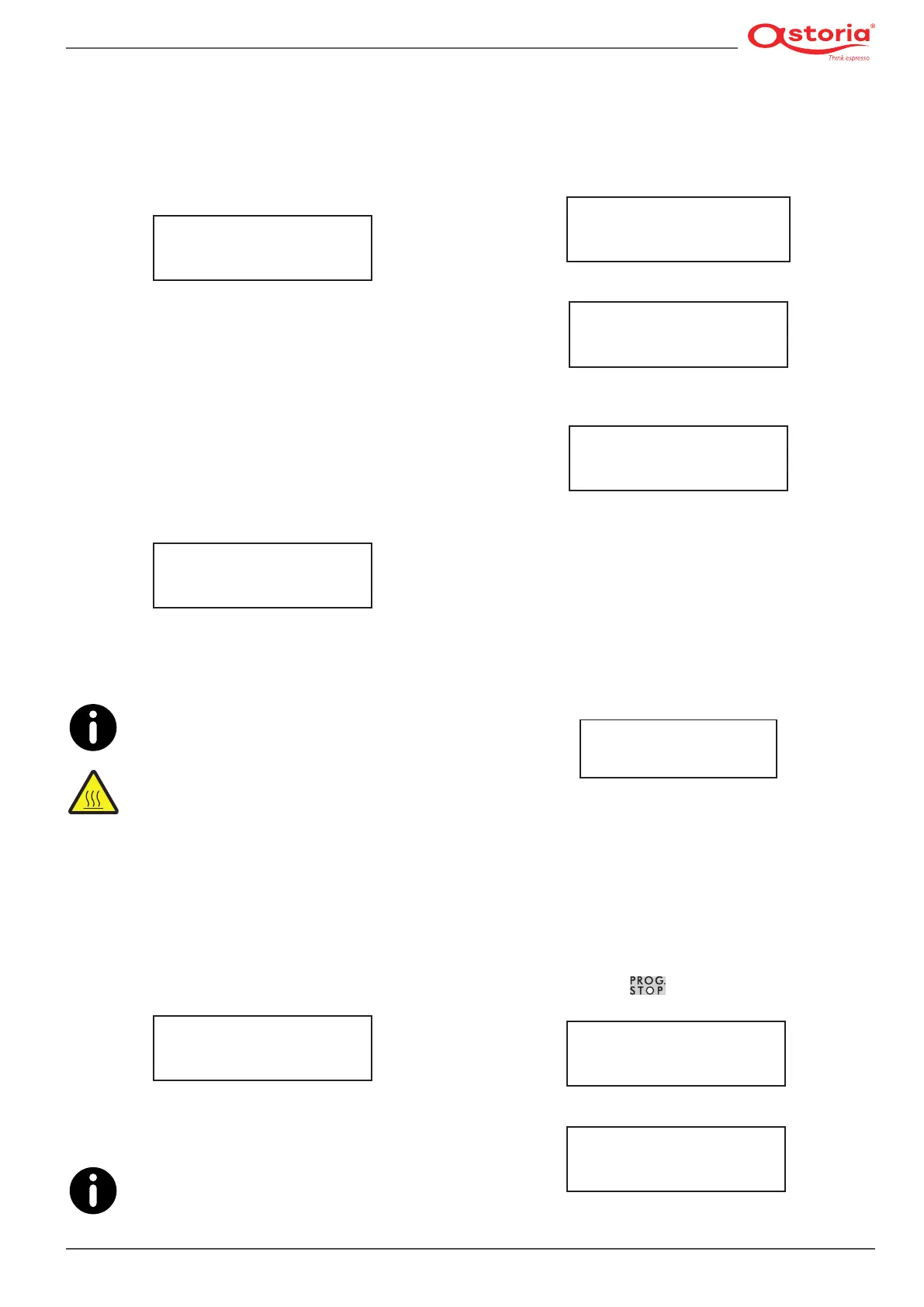
PRESS. HEATING UNIT
1.0 BAR
CURR = 7
• Set the heating unit pressure (values from 0.9 to 1.2 bar)
via the ( + ) and ( - ) buttons.
• To conrm the enteredparametersand moveon to the
next programming function, press the (MODE) button.
6.14.6 Programming the Cup Warmer
This menu is used to program the cup warmer temperature
and activation.
• Enter the programming mode and scroll through the menu
until the following is shown on the display:
CUP WARMER
80°C
• Set the temperature (70-100°C) via the ( + ) and ( - ) buttons.
• To conrm the enteredparametersand moveon to the
next programming function, press the (MODE) button.
To disable the cup warmer, set a temperature
lower than 70°C (---- will appear on the display)
or turn the cup warmer switch to OFF.
HIGH TEMPERATURE HAZARD: Please remem-
ber that a very high temperature can cause very
serious burns.
6.14.7 Programming the Automatic
Steam Wand Temperature
This menu is used to programme the automatic steam wand
activation temperature:
• Enter the programming mode and scroll through the menu
until the following is shown on the display:
AUTOMATIC STEAM WAND
65°C
• Set the temperature via the (+) and (-) buttons.
• To conrm the enteredparametersand moveon to the
next programming function, press the (MODE) button.
The actual temperature of the beverage may dif-
fer by a few degrees from the set temperature de-
pending on the amount of the beverage heated.
6.14.8 Displaying and resetting the litre
counter
This menu is used to display the litre counter and reset it:
• Enter the programming mode and scroll through the menu
until the litre counter is shown on the display.
LITRE COUNTER
L = NNNNN
• Press the ( - ) button to perform the reset.
RESET COUNTS?
PRESS FOR 3 SECS. +
• Press and hold the ( + ) button for at least 3 seconds to
conrmtheresetoperation.
LITRES RESET
• Toconrmandmoveontothenextprogrammingfunc-
tion, press the (MODE) button.
6.14.9 Coffee totals
This menu is used to display the count of the jobs performed
by the machine:
• Enter the programming mode and scroll through the menu
until the coffee counter is shown on the display.
COFFEE TOTALS
NNNNN
• Press the (ENTER) button to enter the menu.
• Repeatedly press the (ENTER) button (the LEDs of the var-
ious buttons will light up) to view the number of selections
performed by the respective button.
• Toconrmandmoveontothenextprogrammingfunc-
tion, press the (MODE) button.
To reset the counts of the single dose buttons, proceed as fol-
lows:
• Press and hold the
button on the right-hand push-
button panel for at least 5 seconds.
RESET COUNTS?
PRESS FOR 3 SECS. +
• To start the reset operation, press the ( - ) button.
DATA RESET











 To Next Page