16 ASUS DAV Center
Using the wireless keyboard
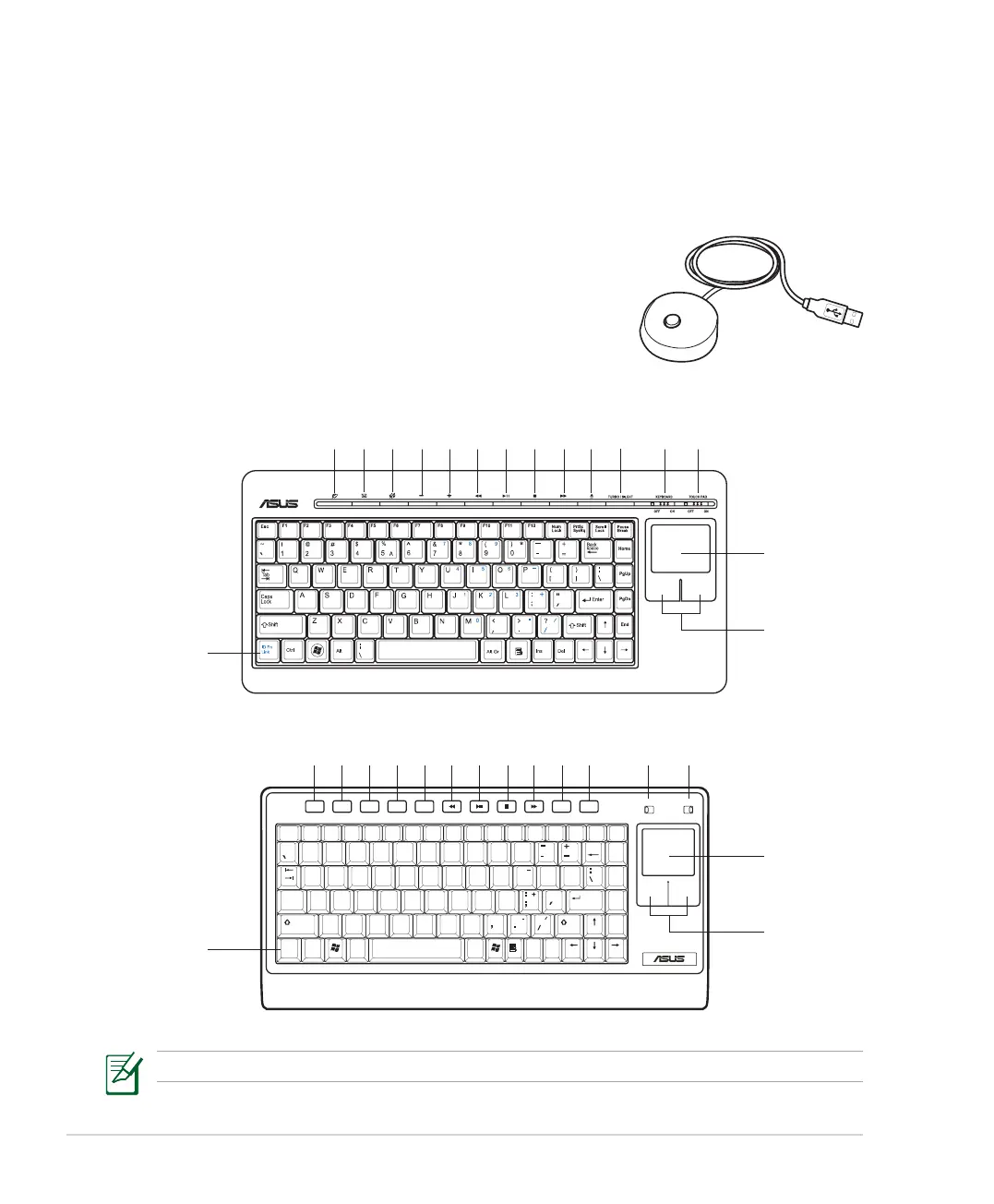
Your DAV Center comes with a wireless keyboard that facilitates your control of the system. To enhance the
wireless keyboard connection, we recommend that you install the bundled RF receiver.
Setting up the wireless keyboard
1. Plug the USB cable of the RF receiver into any of the USB ports on
your DAV Center. Place the receiver wherever you want.
2. Press the Connect button on the RF receiver and the ID Link button
on the lower left corner of the keyboard to make a connection.
Using the keyboard buttons
The type of wireless keyboard varies with territories.
1 2 3 4 5 109876 12 1311
14
15
16
OFF ON
K/B Switch T/P Switch
OFF ON
WWW
Esc
Tab
F1 F2 F3 F4 F5 F6 F7 F8 F9 F10 F11 F12
Num
Lock
Caps
Lock
ID Fn
Link
PrtSc
SysRq
Scroll
Lock
Back
Space
Pause
Break
Home
Vol - Vol + Mute Eject Sleep
E-
Mail
PgUp
PgDnEnter
End
Shift
~
!
@
#
$
^
&
( )
*
*
%
09
9
8
8
754321
Q
7
4
6
5
2 3 1
6
0
Shift
Ctrl Alt
W E R T Y U I O P
A S D F G H J K L
Z X C V B N M
Alt Ins Del
"
< >
?
{
[
}
]
1 2
3 4 5 109876 12 1311
14
15
16













 To Next Page