34 ASUS DAV Center
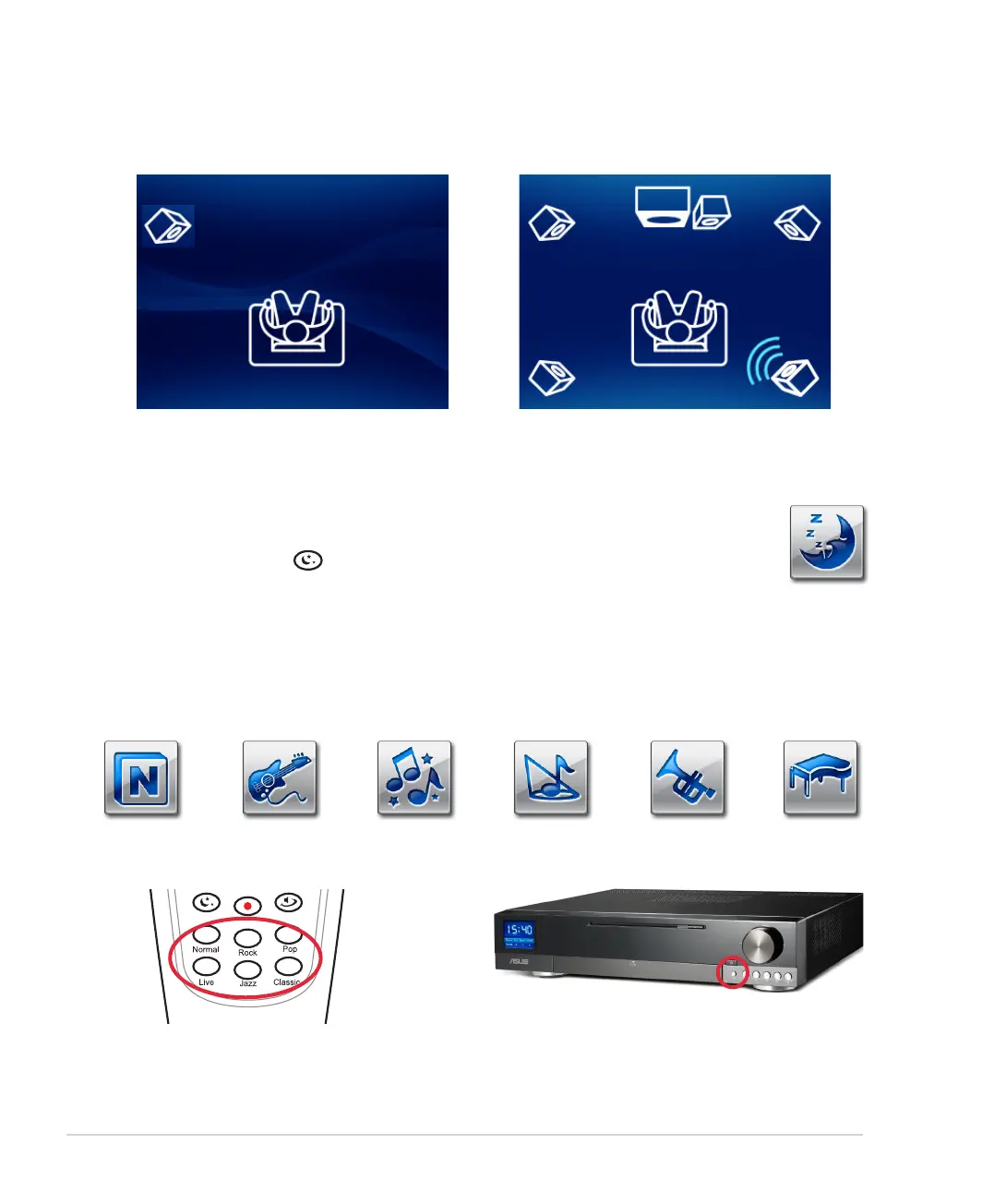
6. The speaker detection begins. You can monitor
the process on the TFT-LCD.
7. After detection, the speaker test begins. Keep
quiet during this time to achieve optimal effects.
Midnight mode
Use the Midnight mode to watch movies at night. When you turn down the volume, this mode
lowers the sound effects but keeps human voice clear.
Press the Midnight button on your amplifier remote to activate this function.
Preset EQ modes
The preset EQ modes include Normal, Rock, Pop, Live, Jazz, and Classic. Choose the mode according to the
type of music you are listening to.
To change the EQ modes, use your amplifier remote or press the EQ button on the A33/A31 front panel.
Normal
Live
Pop
Rock ClassicJazz













 To Next Page