8 ASUS DAV Center
Getting started
Preparing your DAV Center setup
Before you start setting up your ASUS DAV Center, make sure that all of the following connections are
available.
Internet connection
Your DAV Center requires an Internet connection to update the EPG (Electronic Program Guide) and to access
the Internet. Make sure that you have access to a wired/wireless network before starting your Windows®
Media Center software setup. Contact your Internet service provider (ISP) for more information.
Video source
Make sure that you have access to a video source before starting your ASUS DAV Center setup. Your DAV
Center receives video input from a coaxial/S-video/composite cable. The video source usually comes from an
antenna, a direct cable TV connection, a cable box, or a satellite receiver. Cable boxes and satellite receivers are
also known as set-top boxes.
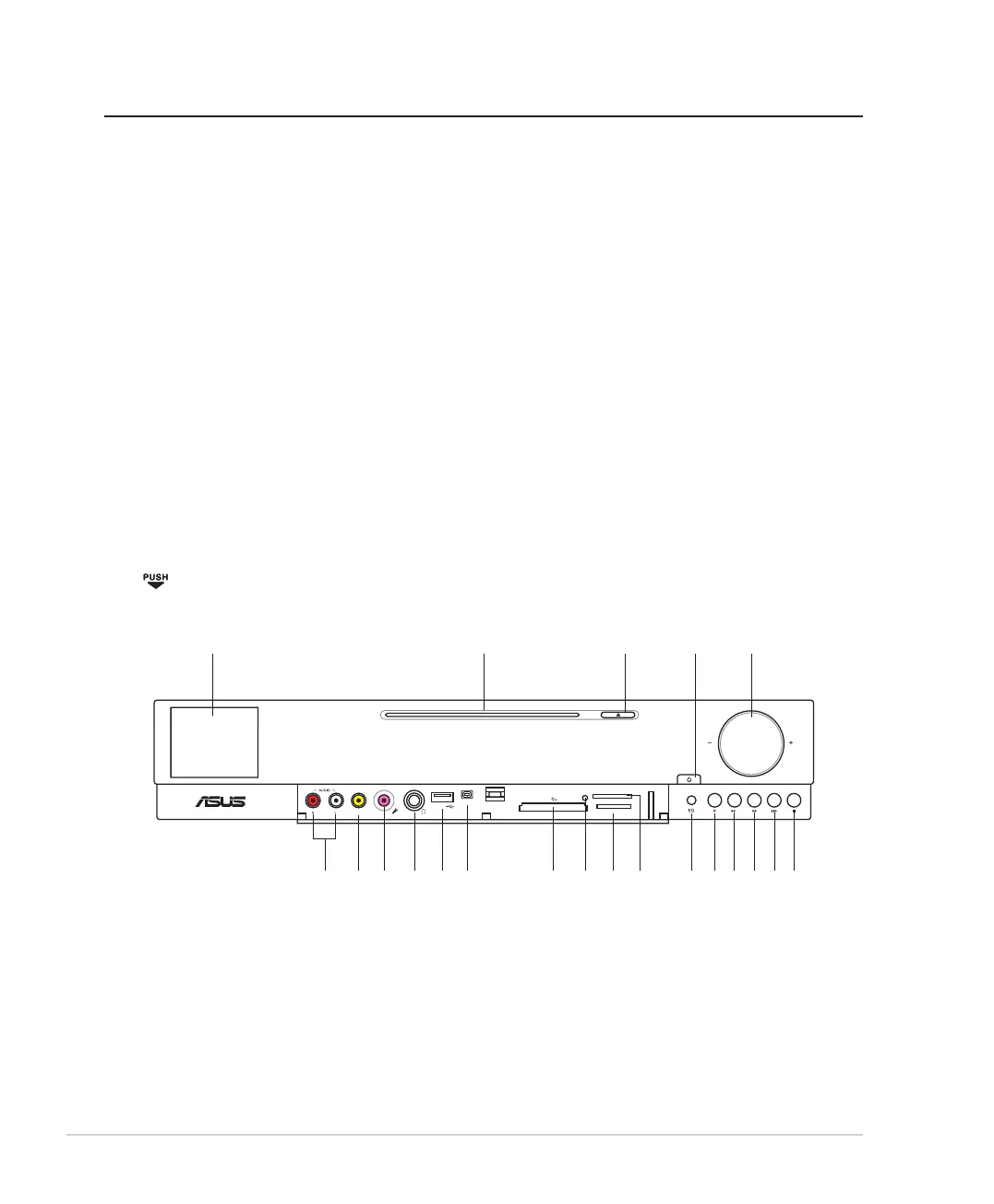
Front view
Press to open the front panel cover.
<OJKU
;9(
/+++
33)9*
396XU*[U6XU*[U
1 2
3
4 5
10 9 8 7 61213 11
*
1415161718192021













 To Next Page