ASUS DAV Center 9
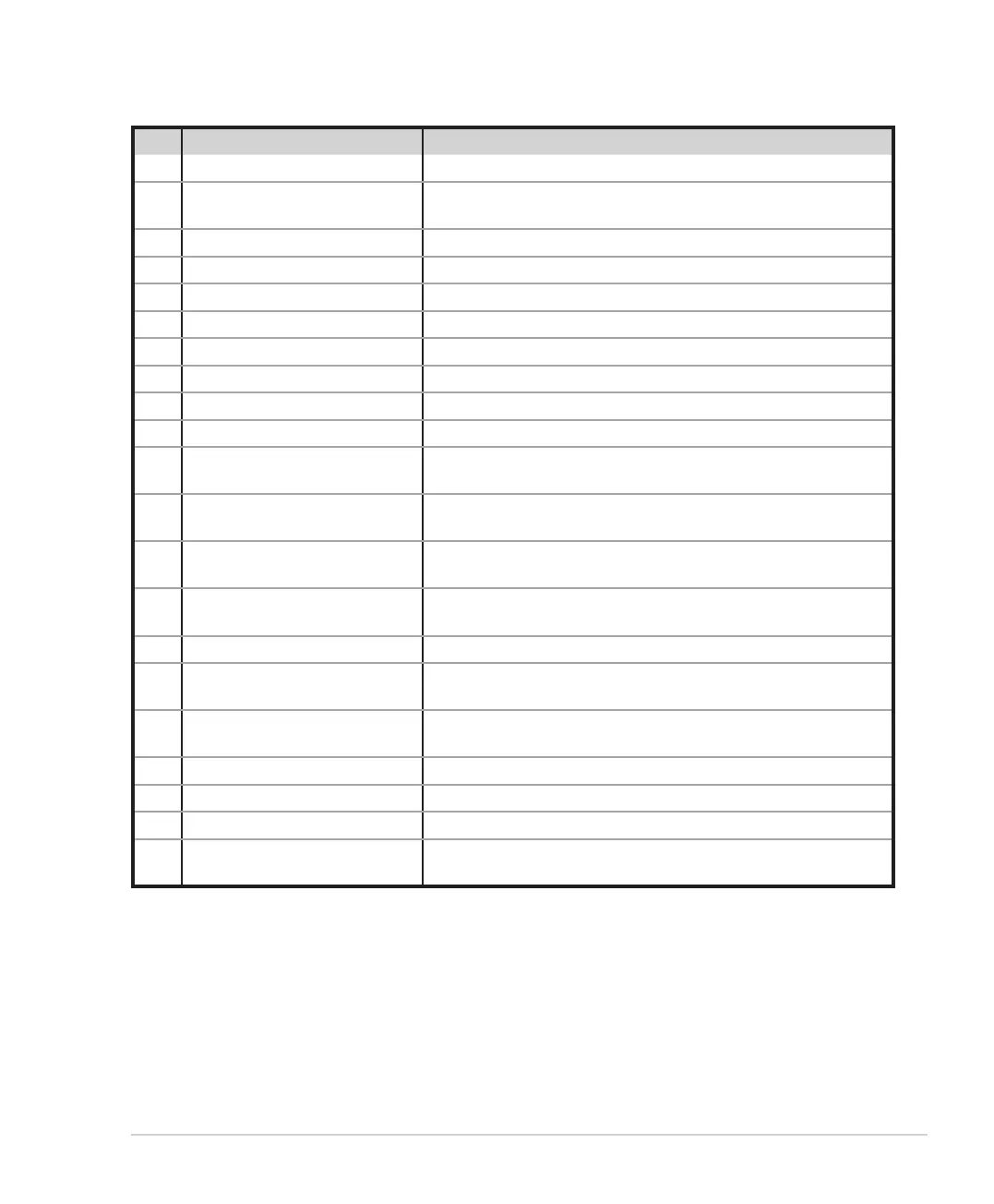
No. Name Description
1. TFT-LCD Displays system information.
2. Recordable Super Multi Drive
Supports CD-ROM, CD-R, CD-RW, DVD-ROM (D5 & D9), DVD-R &
DL, DVD-RW, DVD+R & DL, DVD+RW, and DVD-RAM.
3. Super Multi Drive eject button Press to eject the disc.
4. Power button Press to turn on/off your DAV Center.
5. Volume knob Rotate to increase/decrease the volume.
6. Stop button Press to stop playing a media file.
7. Play/Pause button Press to play/pause a media file.
8. Fast Forward button Press to fast-forward a media file.
9. Rewind button Press to rewind a media file.
10. Record button Press to start recording TV.
11.* EQ button (A31/A33 only)
Press to select an equalizer setting from Normal, Rock, Pop, Live,
Jazz, and Classic.
12. MMC/SD card reader
Supports MMC, MMC 4.0, RS-MMC, RS-MMC 4.0, SD, Mini SD, Micro
SD (through adapter), and SDHC.
13.
MS/Pro/Duo/Pro Duo card
reader
Supports Sony Memory Stick (high-speed type included), MS PRO,
MS Duo, and MS Pro Duo.
14. Card reader LED
Lights up to indicate that data is being transferred from a digital
device to your DAV Center.
15. CF card reader Supports CF I/II and IBM Microdrive.
16. IEEE 1394 port
Plug an IEEE 1394 device (such as a digital camrecorder) into this
4-pin IEEE 1394 port.
17. USB port
Plug USB devices (such as a USB printer, camera, scanner, or
keyboard) into this port.
18. Headphone jack Plug amplified speakers or headphones into this jack.
19. Microphone jack Plug a microphone into this jack to record or transmit voice files.
20. Composite Video In jack Connect to a video source using a yellow RCA cable.
21. Stereo Audio In jacks
Connect to a stereo audio source using a white (left) and a red
(right) RCA cables.













 To Next Page