ASUS DAV Center 25
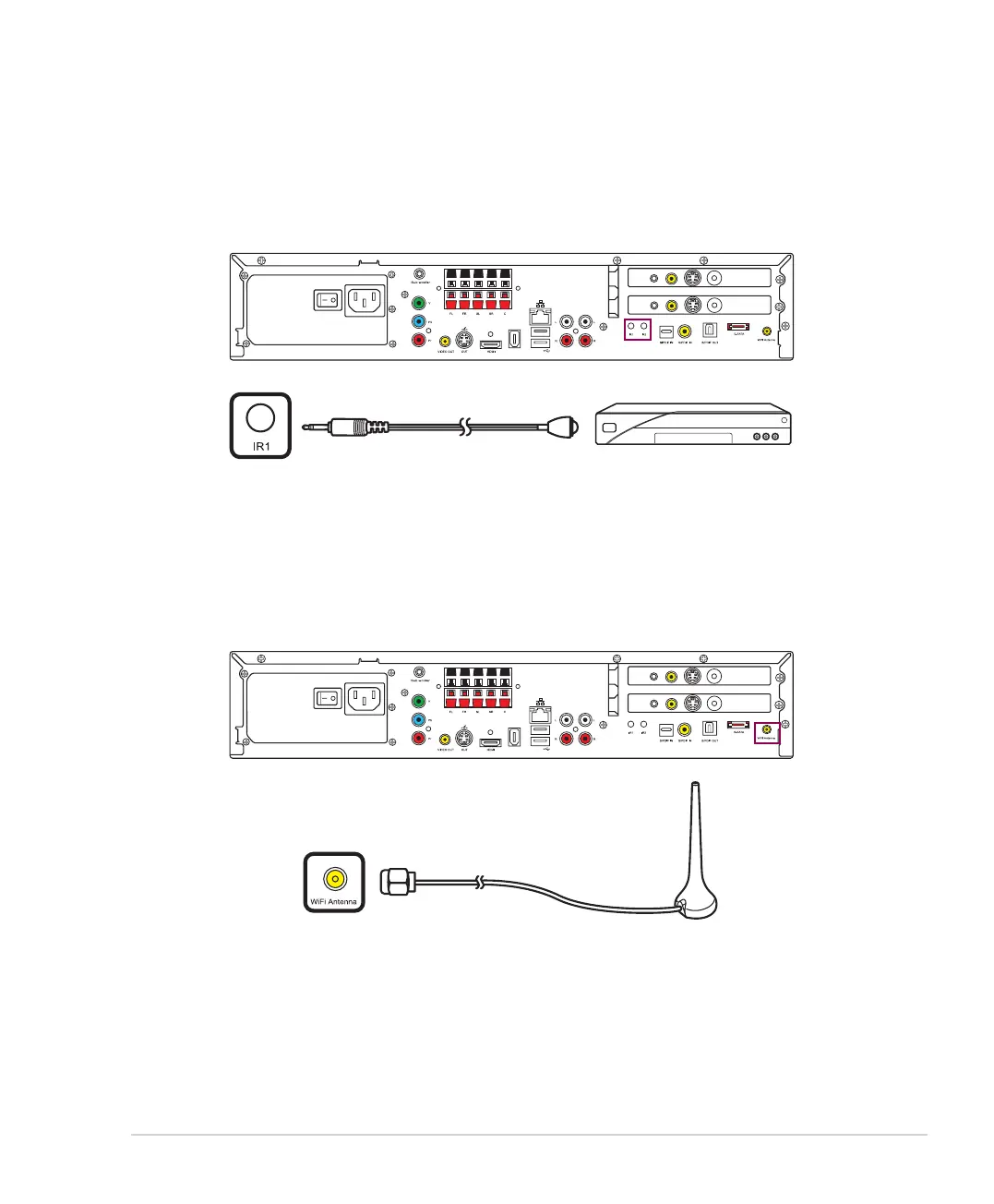
Installing the wireless LAN antenna
To connect an external antenna to the wireless LAN card, fasten the external antenna to the WiFi Antenna
connector on the back of your DAV Center.
Connecting Infrared Receiver to external devices
To connect an external device such as a set-top box:
1. Connect one end of the IR blaster cable to the IR1/2 port on the back of your DAV Center.
2. Connect the other end of the IR cable to the set-top box as shown.
/+++
;9(
/4
5;:
';*/5
)536
9</*
:</4
';*/5
)536
9</*
:</4
/+++
;9(
/4
5;:
';*/5
)536
9</*
:</4
';*/5
)536
9</*
:</4













 To Next Page