20 ASUS DAV Center
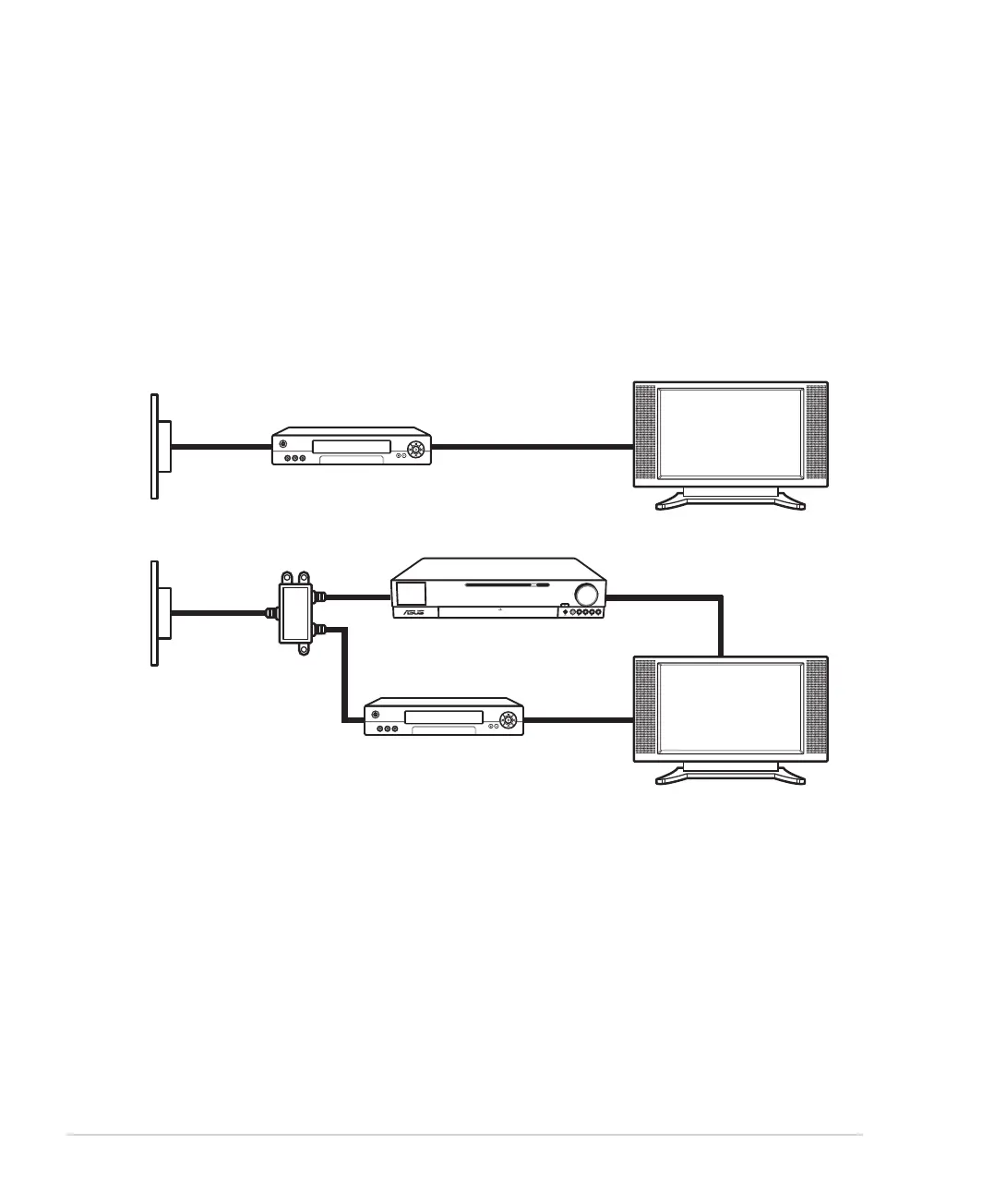
Connecting the TV signal source to an existing setup
This section describes how to connect the DAV Center to an existing setup for your TV signal source.
Wall to VCR to TV using coaxial cable
1. Remove the coaxial cable from the input to the VCR, and then connect it to the input of a coaxial cable
signal splitter (not provided).
2. Connect two coaxial cables to the splitter outputs.
3. Connect one of these cables to the input of the VCR and the other to the TV connector on the back of the
DAV Center.
Existing setup
Connect to DAV Center
A. Wall
B. Cable outlet
C. Coaxial cable
D. VCR In
E. VCR Out
F. TV In
G. Splitter In
H. Splitter Out
I. TV In jack on the back of the DAV Center













 To Next Page