ASUS DAV Center 31
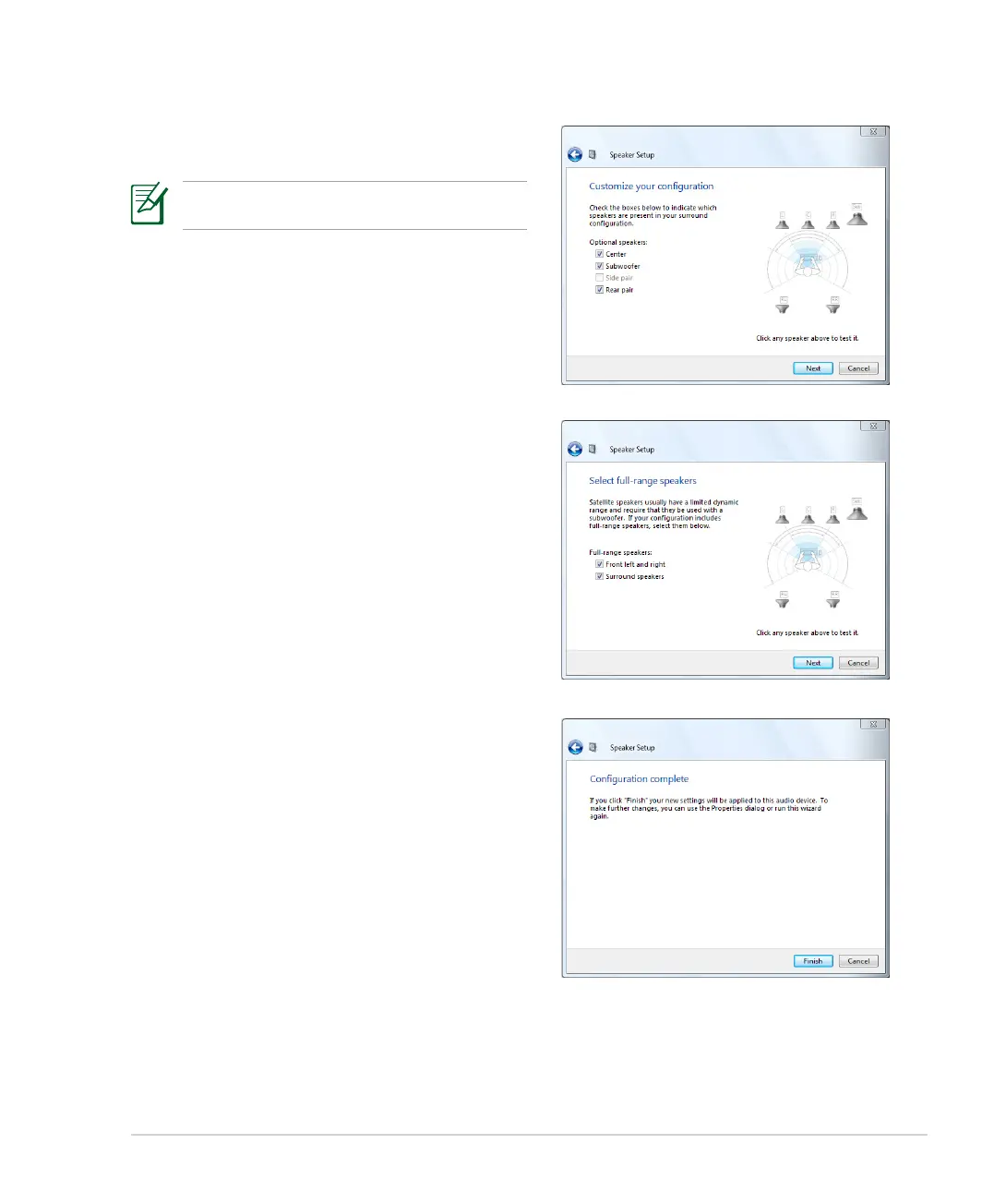
5. Check the boxes that indicate the speakers present,
and then click Next.
This step is required only when you select a 5.1
Surround speaker configuration.
6. Check the boxes if you use full-range speakers, and
then click Next.
7. Click Finish to exit the speaker setup.













 To Next Page