ASUS Eee PC
2-11
Browsing web pages
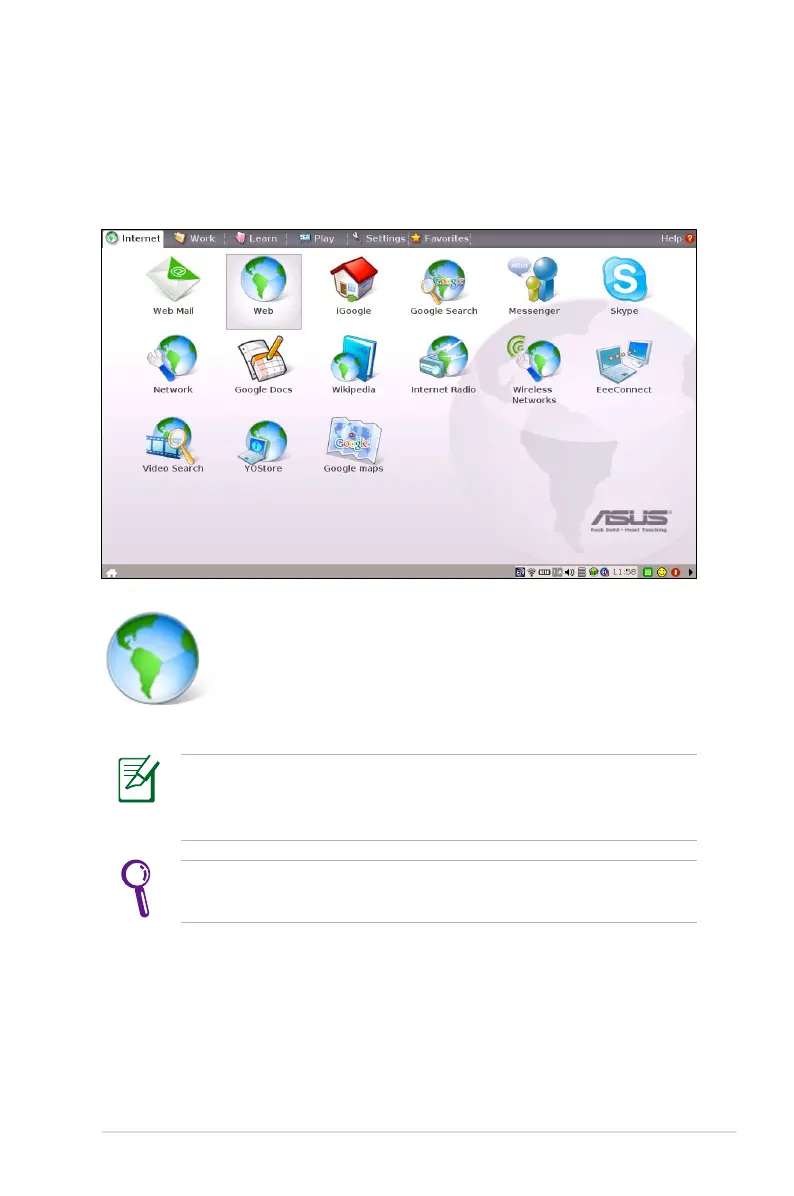
After you finish the network setup, click Web from the Internet tab
to launch the Mozilla Firefox web browser and start enjoying net
surfing.
Launches the Mozilla Firefox web browser
Visit our Eee PC homepage (http://eeepc.asus.com) to obtain
the latest information and register at http://vip.asus.com for full
service of your Eee PC.
If you think the browser font size too small to read, go to View >
Text Size to adjust.














 To Next Page