2-28
Chapter 2: Using the Eee PC
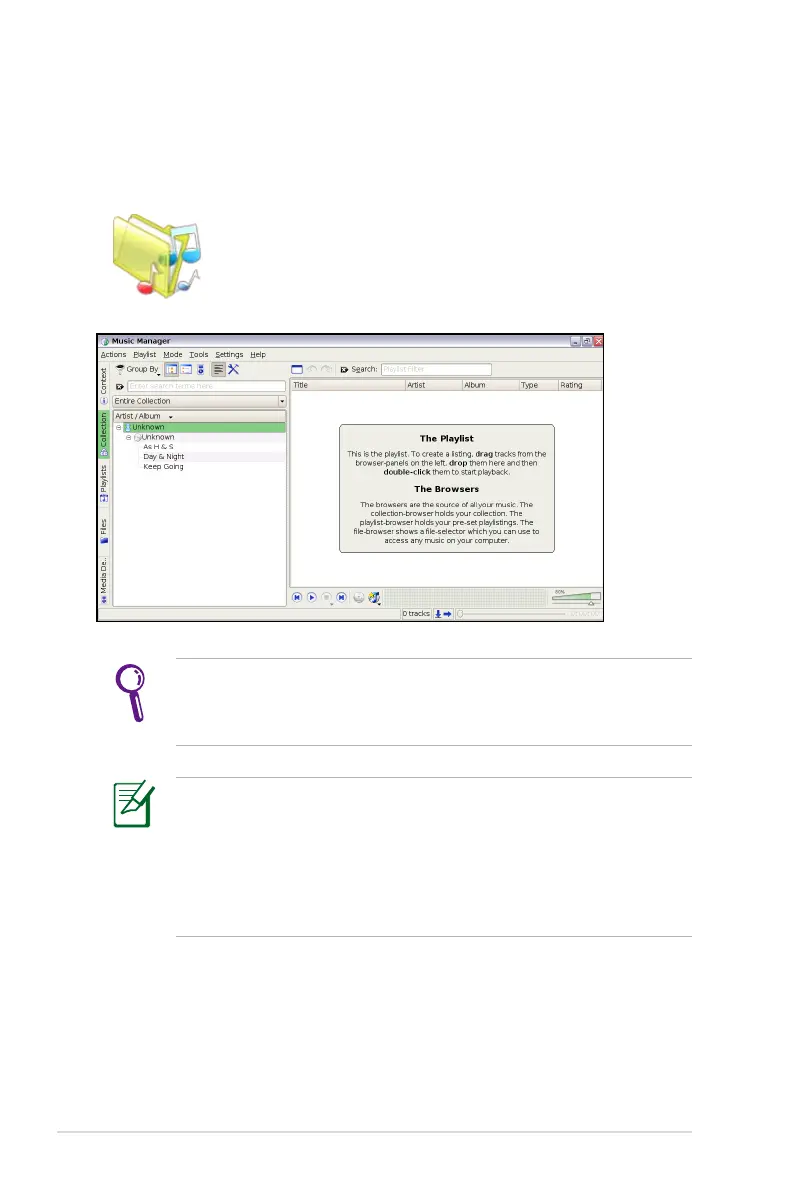
Music Manager
The built-in music manager helps you arrange your multi-media data
in a well-organized fashion.
• Closing the main window only minimizes the music manager
in the Notification area. Quit the music manager by clicking
Actions > Quit.
• All rights of the built-in music samples are reserved by Michelle
Chen. Unauthorized copy, reproduction, broadcasting and public
performance are prohibited.
Connect your iPod to your Eee PC and click the Media Device
tab to show the playlists in your iPod. You can drag and drop the
desired files to create your playlist in the right pane.
Starts Music Manager.














 To Next Page