2-12
Chapter 2: Using the Eee PC
Enjoying free resources
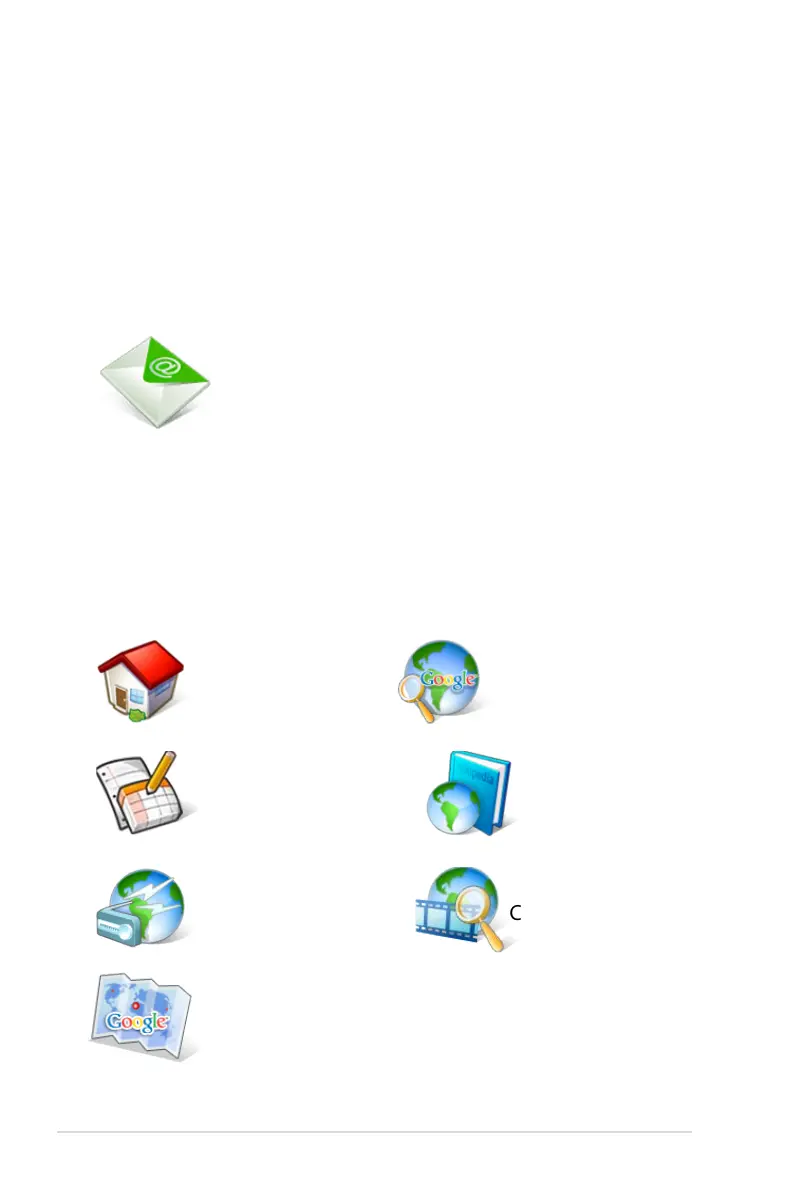
Eee PC thoughtfully builds several resources shortcuts, including
iGoogle, Google Docs, Wikipedia, Mediayou, Youtube, and Google
Map. Click an item and enjoy a charge-free service through Mozilla
Firefox web browser.
Accessing E-mail
Select Web Mail to display the webmail accesses, including Gmail,
Hotmail, Yahoo Mail, and AOL Mail.
Select your e-mail service provider and click it to link to the webmail
homepage. If you do not use any of the displayed e-mail provider,
click the Back to Internet tab button and select Web to log onto your
own e-mail account.
Connects to iGoogle.
Connects to Google Docs. Connects to Wikipedia.
Connects to Google.
Connects to Mediayou.
Connects to Youtube.
Opens the built-in webmail list.
Connects to Google Map.














 To Next Page