ASUS Eee PC
2-41
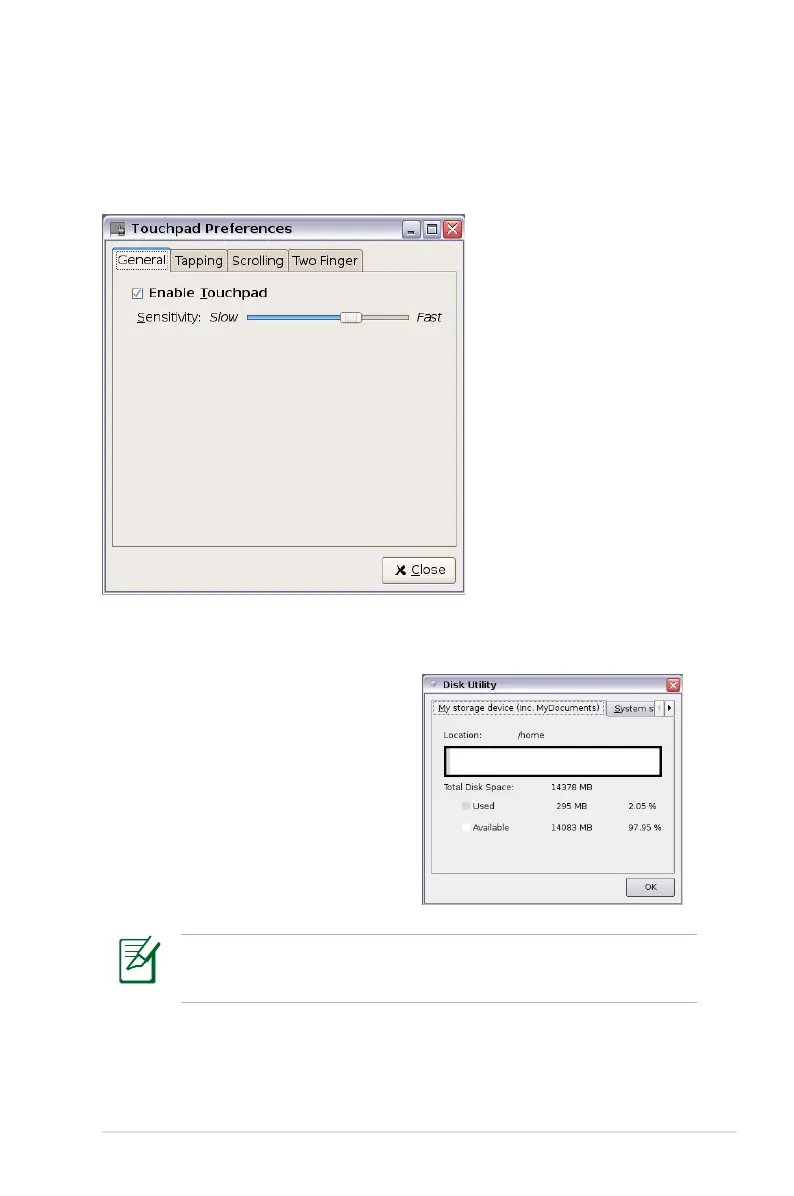
Touchpad
Edit your touchpad preferences by clicking Touchpad. You can
adjust all touchpad settings.
Disk Utility
Selecting Disk Utility allows you to
check your Eee PC disk condition
including total disk space, the
used space, and the remaining
space. Click the tabs to switch the
displayed disk drive.
• Extra Drive may not be available for all Eee PC models.
• The disk space varies depending on model.














 To Next Page