2-18
Chapter 2: Using the Eee PC
Accessing files
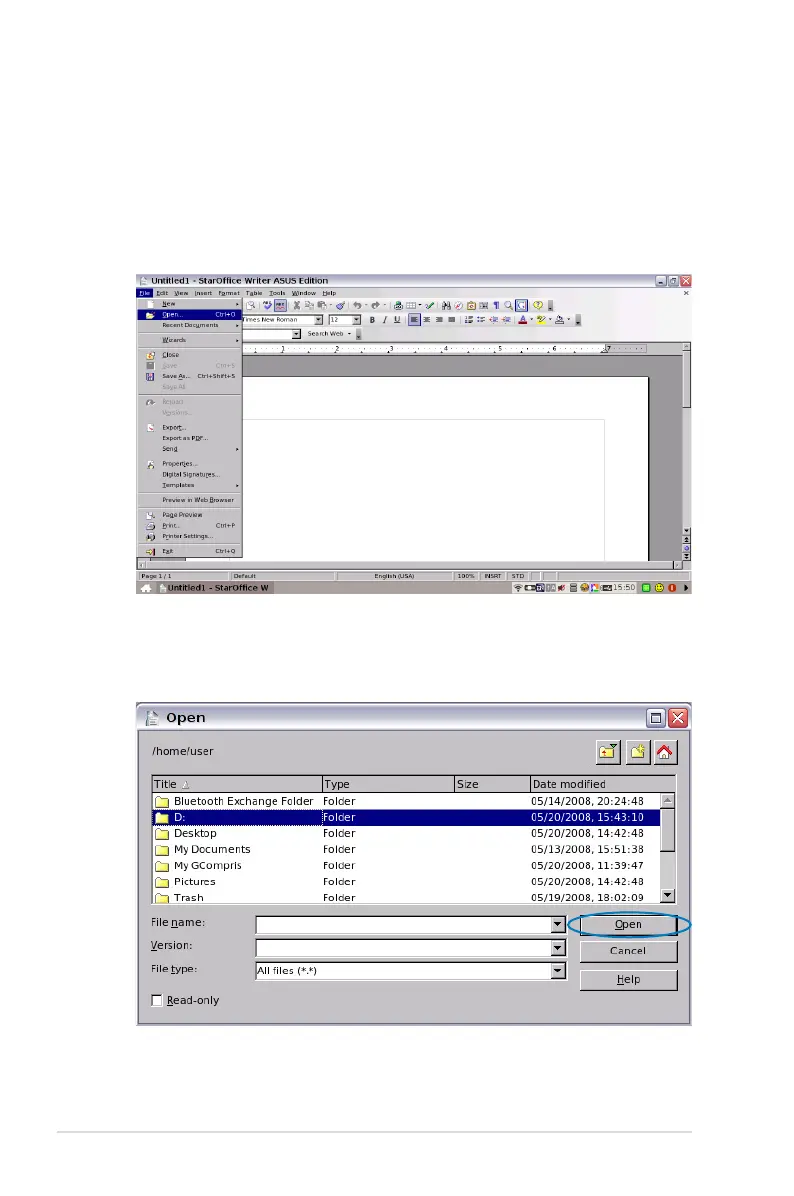
The following example describes how to locate and open your
document from the connected external storage device:
1. Double-click Documents to start StarOffice Writer.
2. On the File menu, click Open, or press <Ctrl> + <O>.
3. At the prompt, click My Home on the left. Select D: and click
Open to enter.














 To Next Page