2-42
Chapter 2: Using the Eee PC
Diagnostic Tools
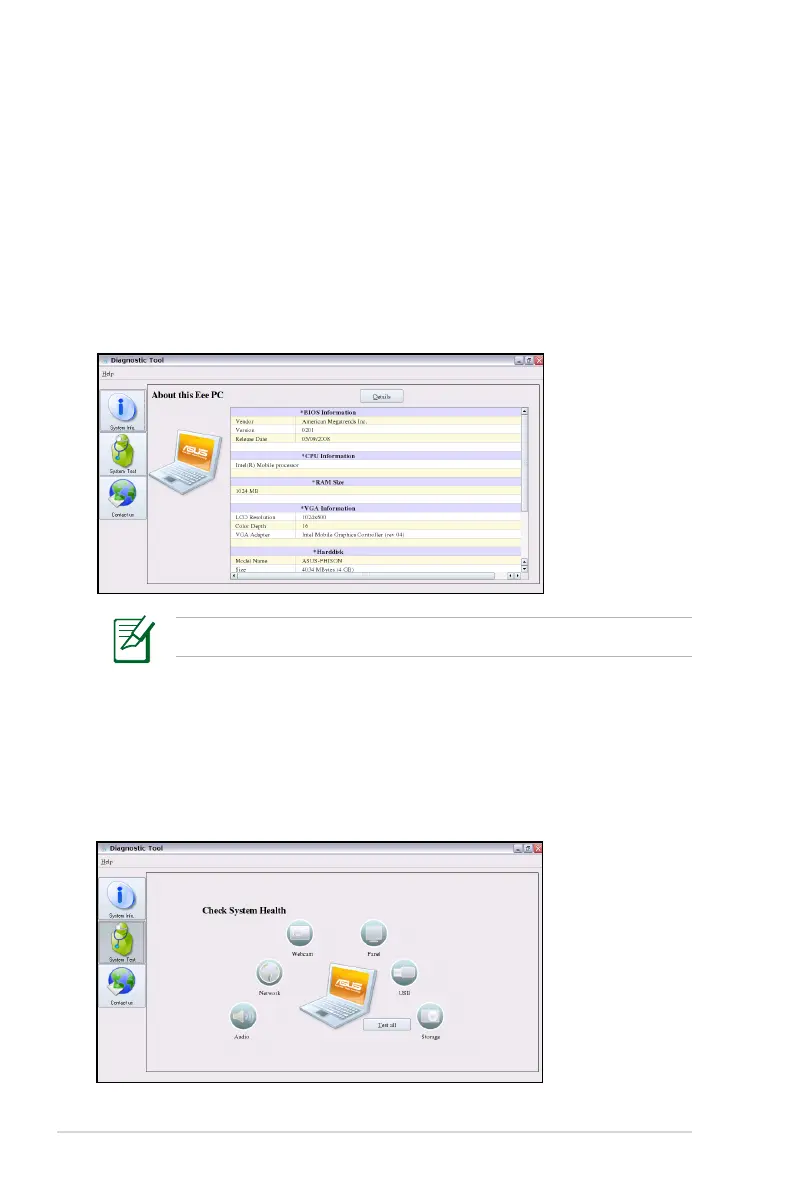
The Diagnostic Tool helps you with easy trouble-shooting.
System Info.
Click the System Info. button on the left to display the system
information.
Click the Details button on the top to switch between system
information summary and details
The system information varies depending on model.
System Test
Click the System Test button on the left to start the system checkup.
Select the item you want to test and follow the wizard to complete
the test.














 To Next Page