2-40
Chapter 2: Using the Eee PC
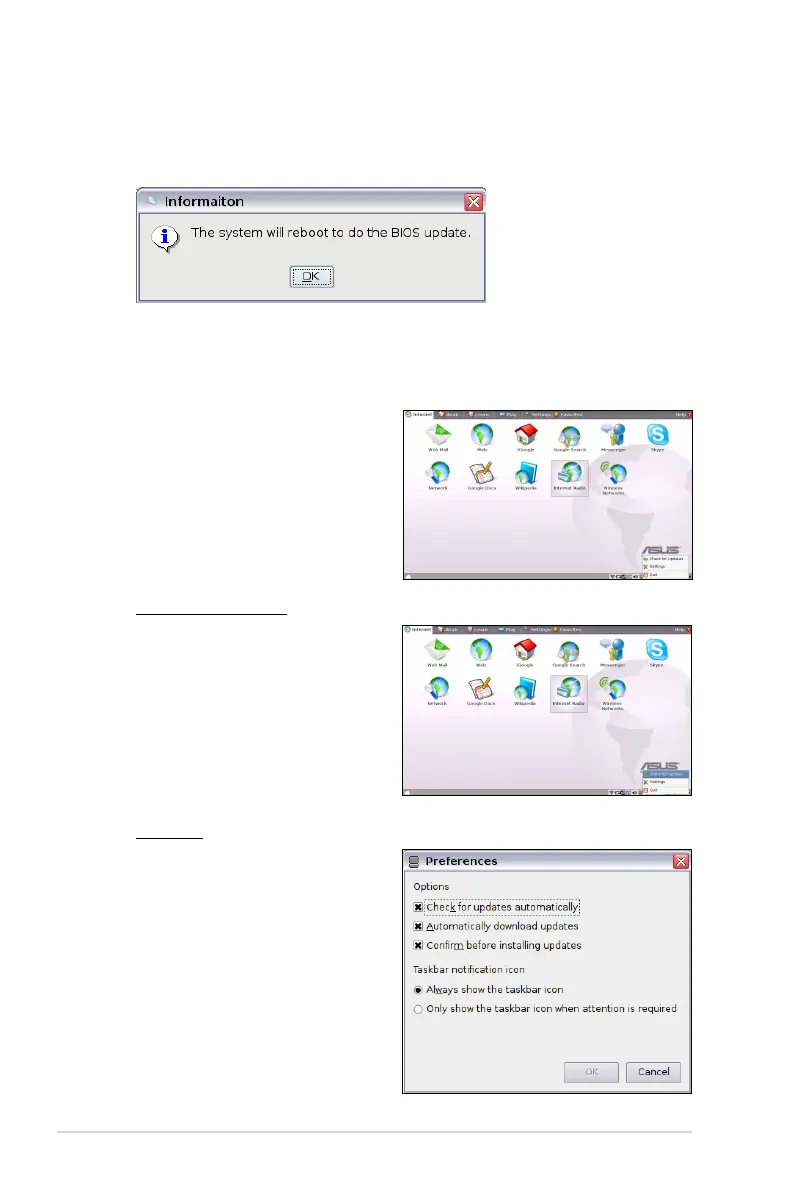
6. Click OK to reboot and update the BIOS.
Check for Updates
Right-click the Software
Updates icon in the
Notification area and select
Check for Updates to
manually search for the latest
available updates.
Settings
Right-click the Software
Updates icon in the
Notification area and select
Preferences to customize
your preferred configurations.
Easy Software Updates
A software update icon in the
Notification area functions as a
reminder. It will check for updates,
download and install updates
depending on your preferences.














 To Next Page