2-48
Chapter 2: Using the Eee PC
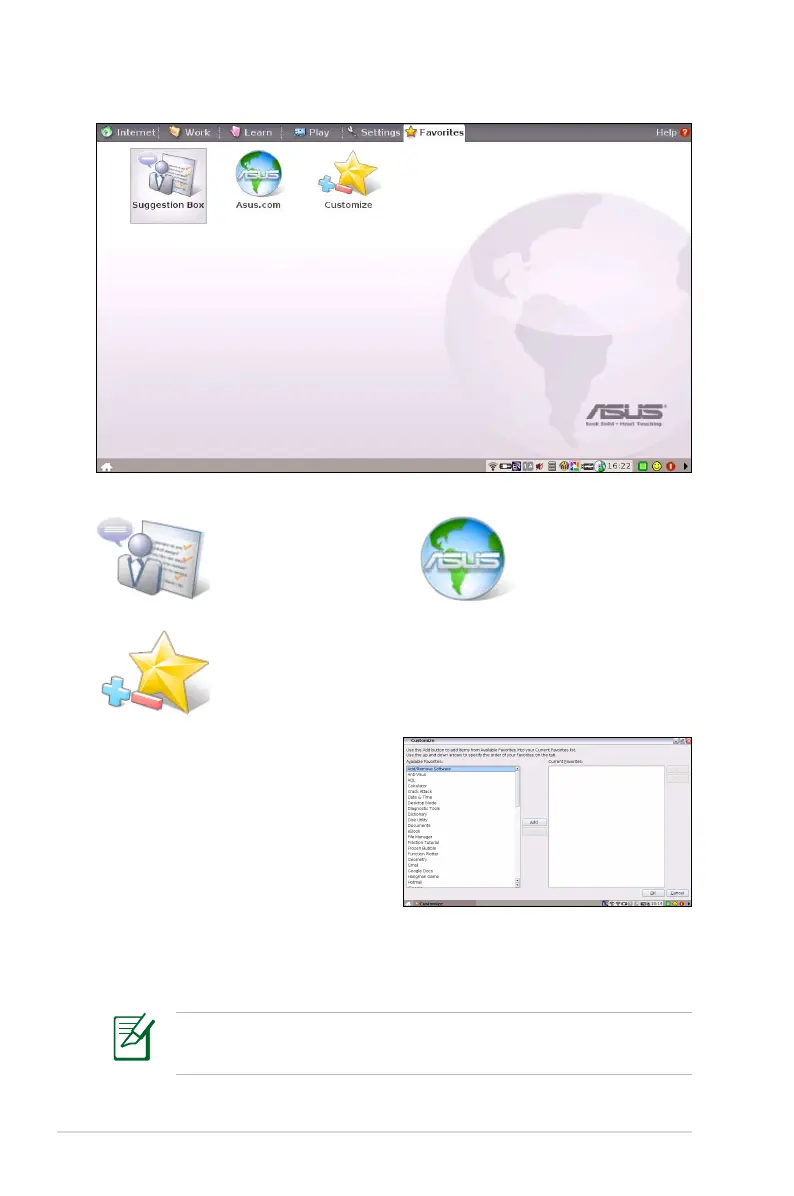
Favorites
Click to link to
ASUS VIP and give
suggestions.
Click to link to
ASUS website for
the latest product
information.
Customize
Customize your favorites on the
Favorites tab. Click Customize
and start to add or remove your
favorites.
From the available favorites list in
the left pane, select a desired item
to include in your favorites, and
click Add. To remove a favorite from your current favorites list, select
an item from the right pane and click Remove.
The item order in the list corresponds to the display order on the
Favorites tab.














 To Next Page