2-34
Chapter 2: Using the Eee PC
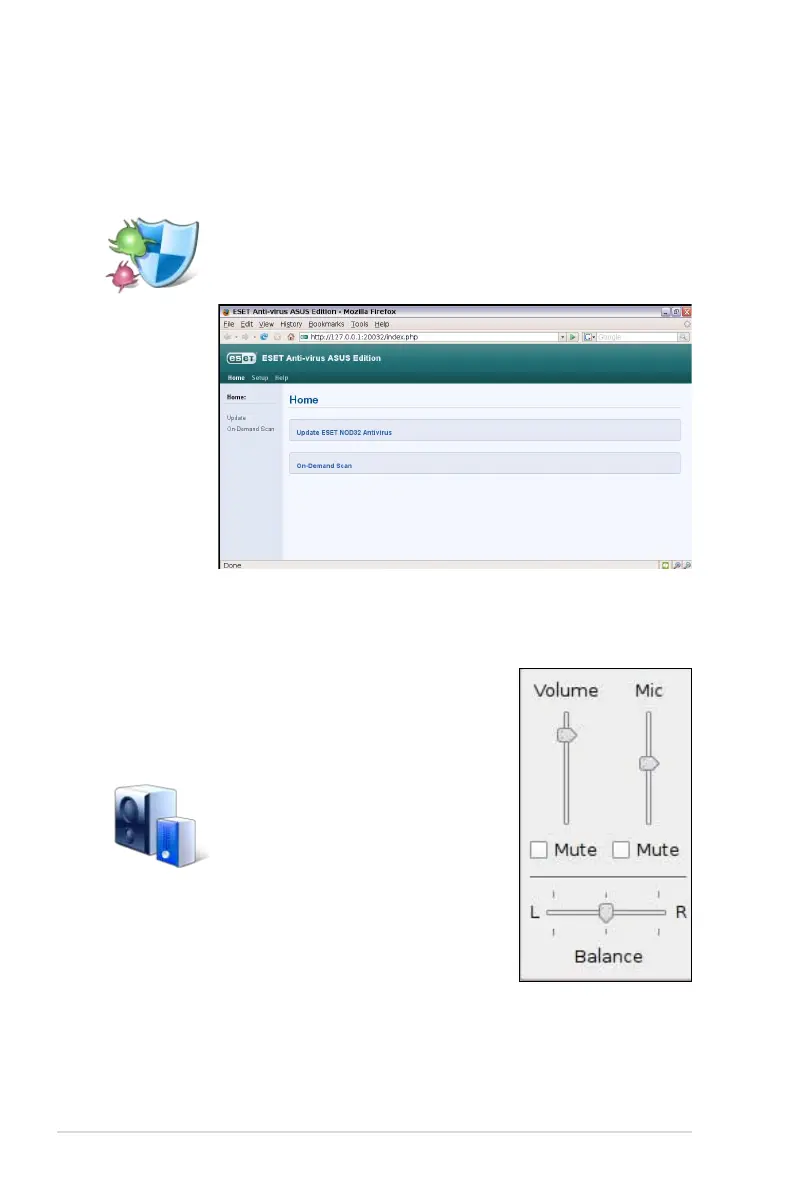
Anti-Virus
From the Settings tab, select Anti-Virus and perform virus scanning
to protect your Eee PC.
Volume
Click the speakers icon to open the control
panel. Adjust the system volume and balance
by moving the sliders.
Click to start the anti-virus application.
Click to adjust the volume.














 To Next Page