2-32
Chapter 2: Using the Eee PC
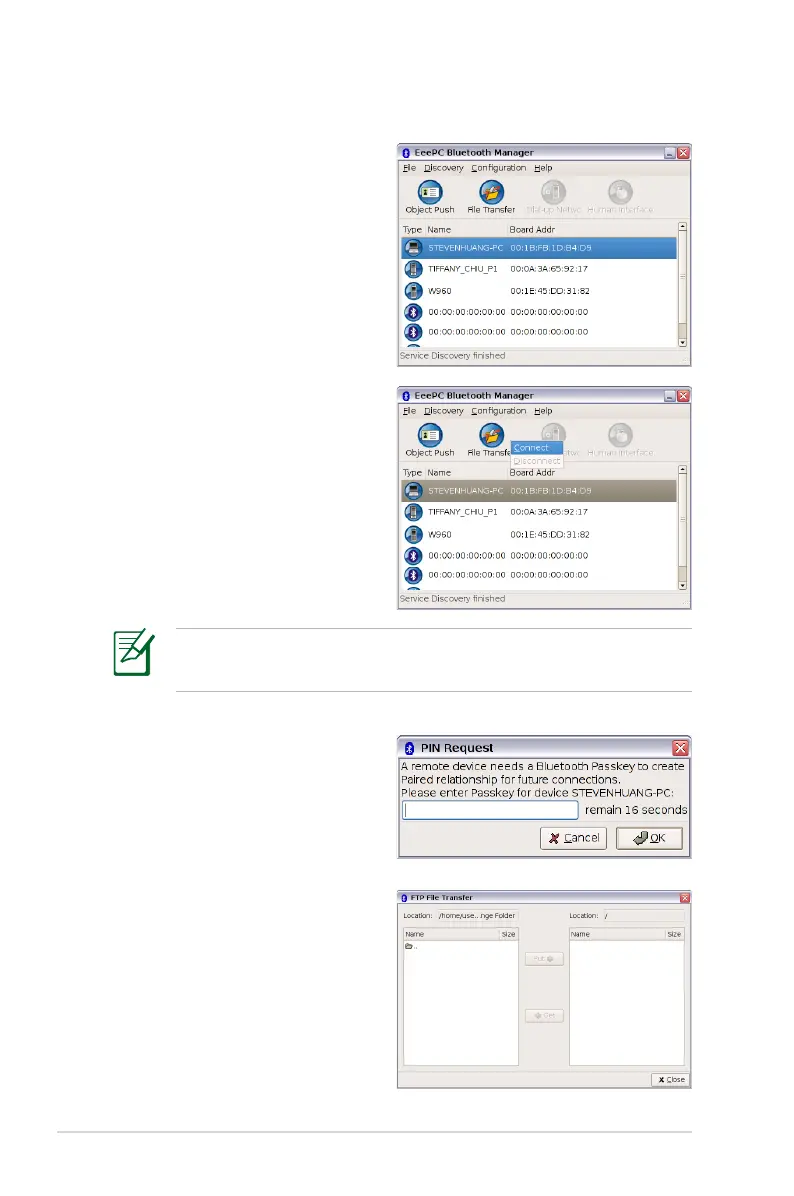
5. The colored buttons are the
available services, and the
unavailable ones will be
dimmed.
6. To transfer files to the selected
device, click the File Transfer
button and click Connect.
7. Enter the Passkey to create the
paired relationship with the
selected Bluetooth-enabled
device and click OK.
8. After the paired relationship
is successfully built, you
can transfer files through
Bluetooth.
You can also click Object Push if you want to send, get or
exchange cards.














 To Next Page