5-36
Chapter 5: RAID configuration
Esc=ExitMenuF1/Shift+1=Help
SPACE/+/-=SelectdiskforarrayorhotspareC=Createarray
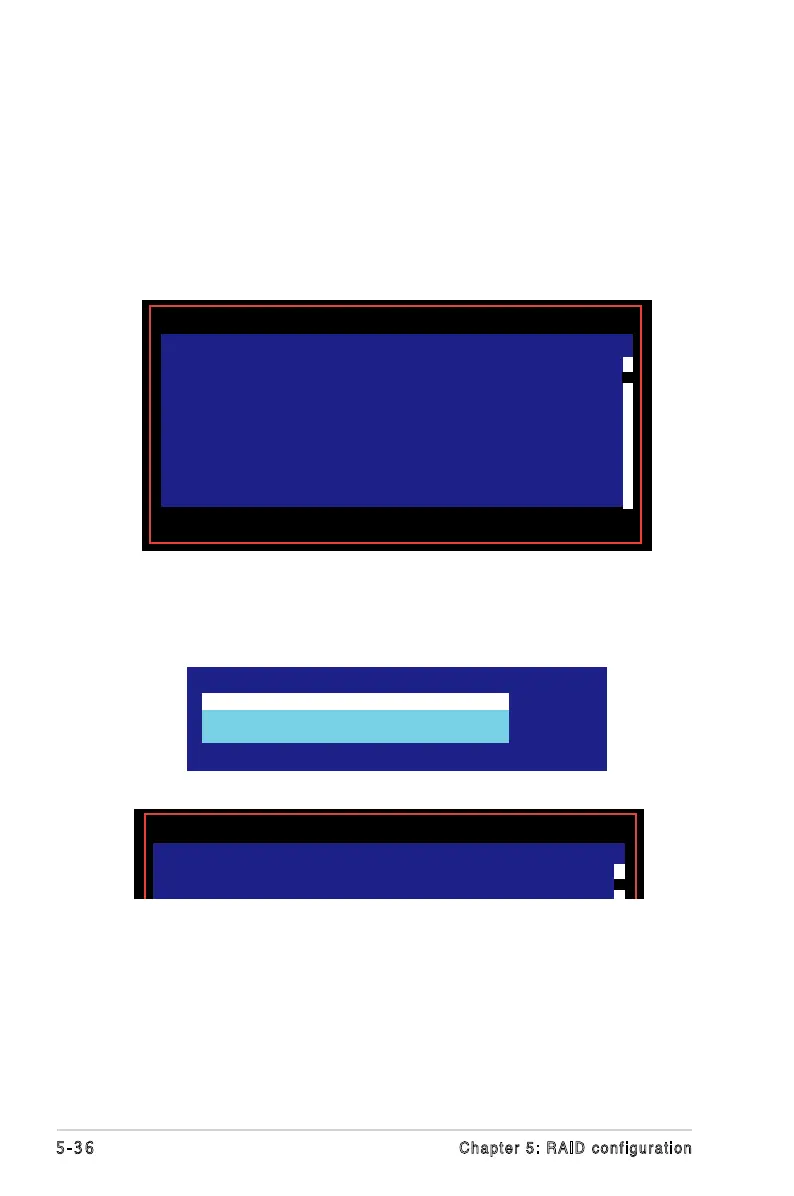
LS I Lo gi c Co nf i g U ti l it y v 6 . 0 8 . 0 5 . 0 0 (2 0 0 6 . 0 8 . 0 2 )
Create New Array Type -- SAS1068
M -Keepexistingdata,migratetoanIMarray.
Synchronizationofdiskwilloccur.
D -Overwriteexistingdata,createanewIMarray.
ALLDATAonALLdiskinthearraywillbeDELETED!!
No Synchronization performed.
7. A conrmation screen appears.
Press <M> to keep existing data on the rst disk. If you choose this option,
data on the rst disk will be mirrored on the second disk that you will add to
the volume later. Make sure the data you want to mirror is on the rst disk.
Press <D> to overwrite any data and create the new IM array.
8. Repeat steps 5 and 6 to add the second disk to the volume.
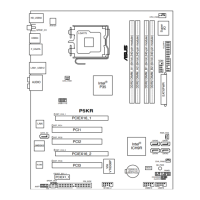
9. When done, press <C> to create the array, then select
Save changes then
exit this menu.
10. The utility creates the array.
Create and save new array?
CancelExit
Savechangesthenexitthismenu
Discardchangesthenexitthismenu
ExittheCongurationUtilityandReboot
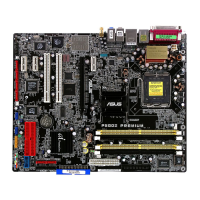
LSILogicCongUtilityv6.08.05.00(2006.08.02)
Processing...maytakeup1minute
Creating RAID array


 To Next Page