116
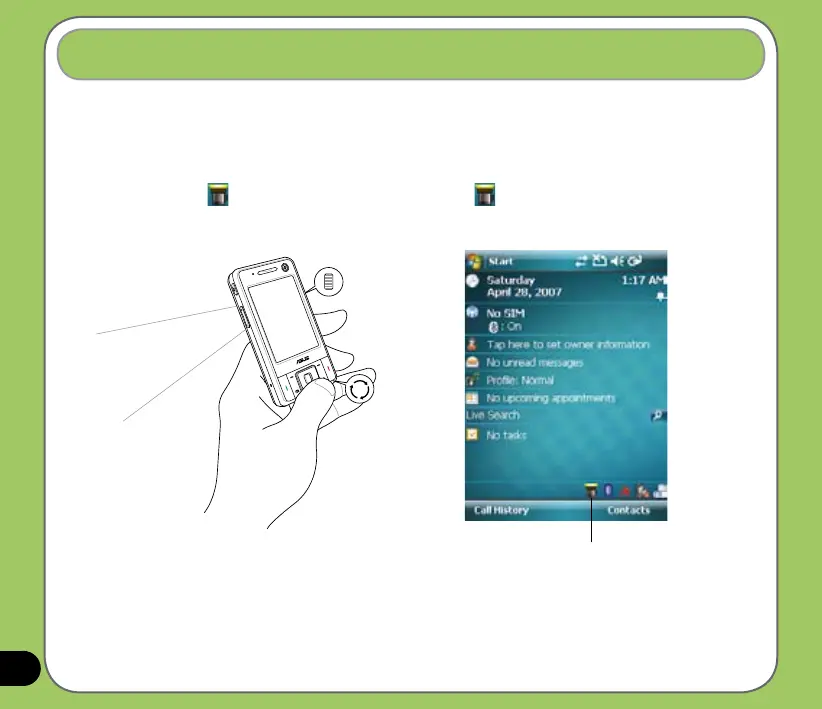
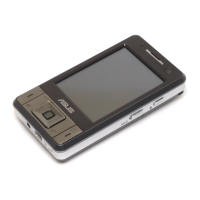
The integrated ashlight allows you to use your device as a torch in the dark.
To use the ashlight:
1. Press and hold the mode switcher button to turn on the ashlight.
2. A torch icon
appears on the today screen. Tap or press and hold the mode
switcher button again to turn off the ashlight.
Flashlight
Tap to turn off the ashlight.
Press and hold the mode switcher button to
turn on the ashlight.


 To Next Page