52
Making and Receiving a Video call
Your device allows you to make calls with live images.
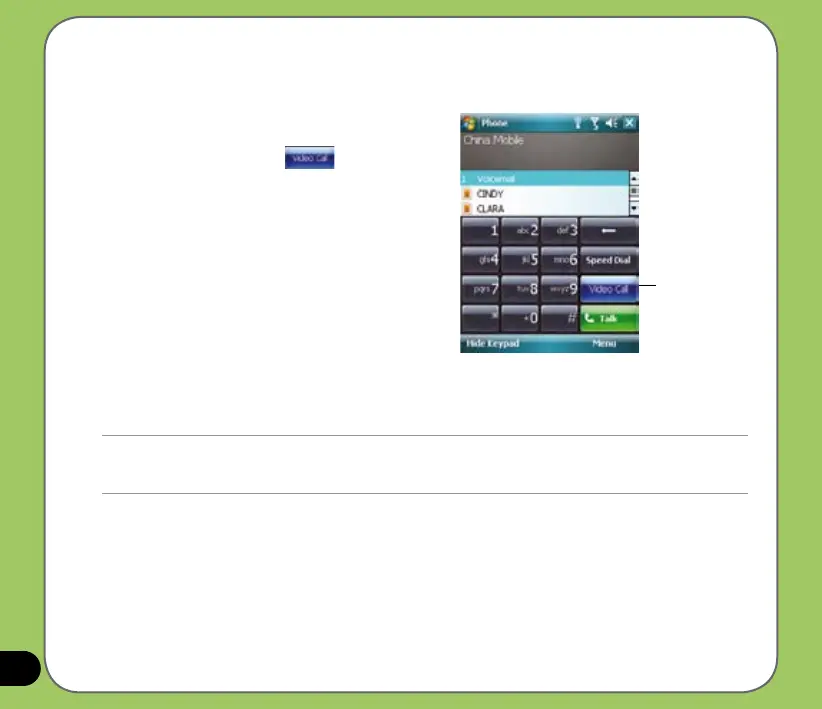
To make a video call:
• On the Phone pad, tap
, or
• From Call History, tap and hold a contact, then
from the sub-menu tap Video Call.
You can adjust the image on the screen by
tapping “Self to small/large” icon, and turn
on/off the camera by tapping the Camera off/on
icon.
To receive or reject a video call:
• To answer the video call, tap
Answer or press
Send.
• To reject the video call, tap
Ignore, or press End key.
Note:
Depending on the signal strength, there may be some delay in seconds before live image appears on screen. The
quality of streaming video may also be affected.
Video call button



 To Next Page