14
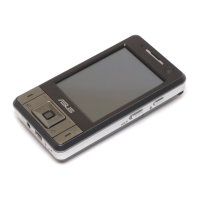
Device components description
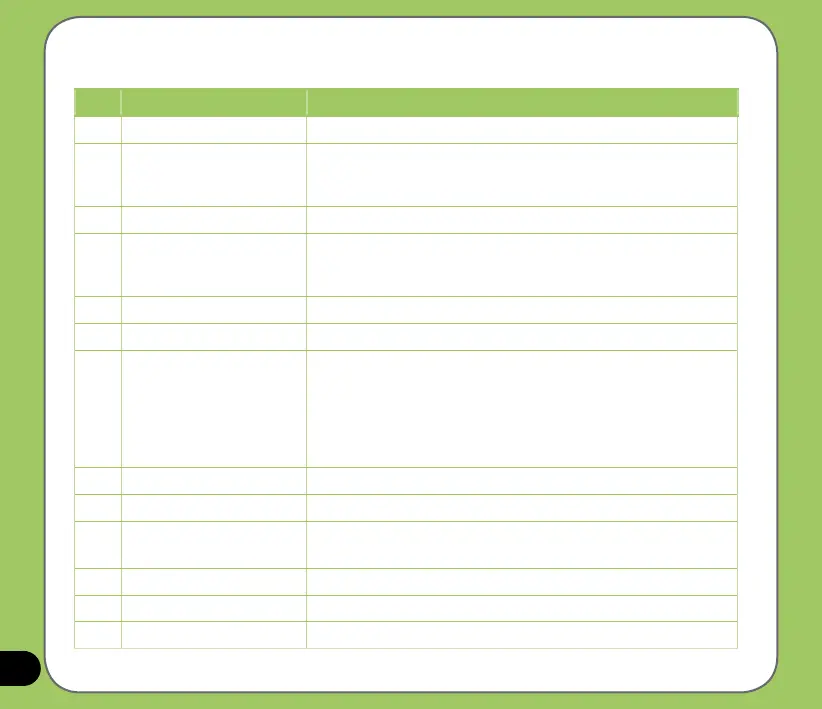
No. Item Description
1 MiniSD slot Allows you to insert a MiniSD storage card.
2 Power button Press to turn the power ON or to set suspend mode or to wake
device from sleep mode.
Press and hold to turn the power OFF.
3 Stylus Use the stylus to write, draw, or select items on the touch screen.
4 Camera/Shutter button Press to launch the camera. In camera mode, half-press to auto-
focus then full-press to take a picture. In video mode,
full-press to start recording video and press again to stop.
5 Volume controller Press the arrow buttons to adjust the volume.
6 Reset button Using the stylus, press reset button to soft-reset your device.
7 Notication LED This multi-color LED noties the following:
• Green - Phone fully charged.
• Flashing green - Network detected.
• Red - Phone is charging.
• Flashing red - Event notication.
• Flashing blue - Bluetooth
®
or WLAN(IEEE 802.11b/g) ON.
8 Earpiece receiver Allows you to listen to incoming/outgoing calls.
9 Sub camera lens This sub camera is for the video conference.
10 LCD touch screen This 2.8-inch, 65536-color, 240 x 320-resolution, touchscreen TFT
LCD allows you to write, draw, or make selections using the stylus.
11 Call key Press to receive an incoming call or make a call.
12
Left Soft key Performs the command indicated above the button.
13
Video call button Press to make video calls.


 To Next Page