29
Using the On-screen keyboard
With the on-screen keyboard, you can key in text, symbols, numbers, or other special
characters when input is possible.
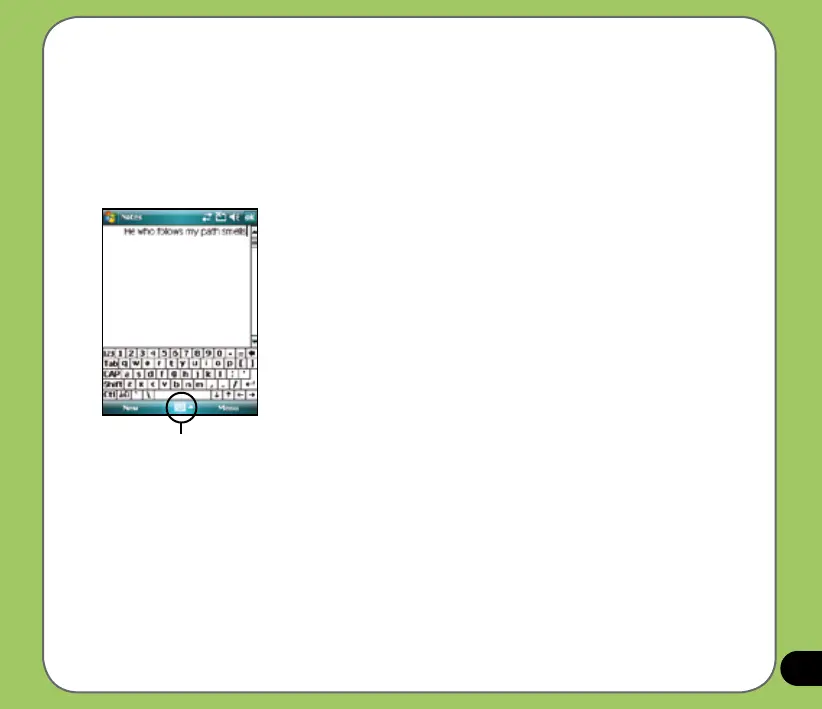
To input text using the on-screen keyboard:
1. In an application, tap the Input Panel arrow, then tap Keyboard.
2. Key in text by tapping keys on the on-screen keyboard.
Input panel
To enlarge the on-screen keyboard:
1. Tap the Input Panel arrow, then tap Option.
2. Select Keyboard from the Input Method list.
3. Tap Large Keys.


 To Next Page