18
Charging the battery
The bundled battery pack is shipped partially charged. Charge the battery up to four (4) hours
before using for the rst time.
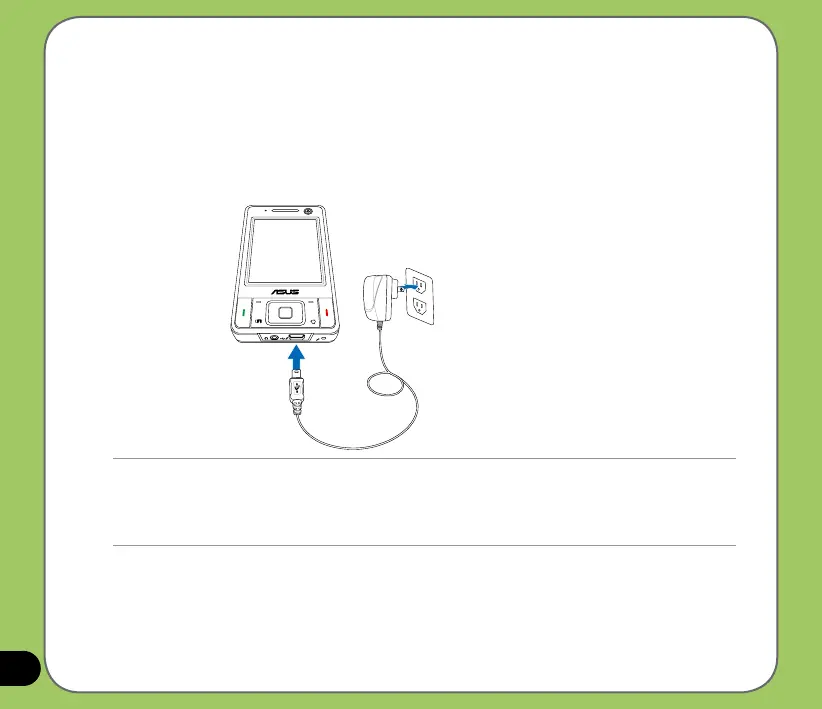
To charge battery:
1. Connect the AC adapter plug to the mini-USB connector at the bottom of the device.
2. Connect the AC power plug to a grounded wall socket or power strip.
NOTE:
• The notication LED turns red and charging battery icon appears on the status bar indicating that the battery is
charging.
• If your battery gets totally discharged, you need to recharge it for at least twenty minutes before you can turn it
back on.



 To Next Page