86
The built-in two-megapixel camera allows you to take photos and record audio/video clips.
Launching the camera
To start using the camera:
• Tap Start > Programs > Pictures & Videos > Camera icon or
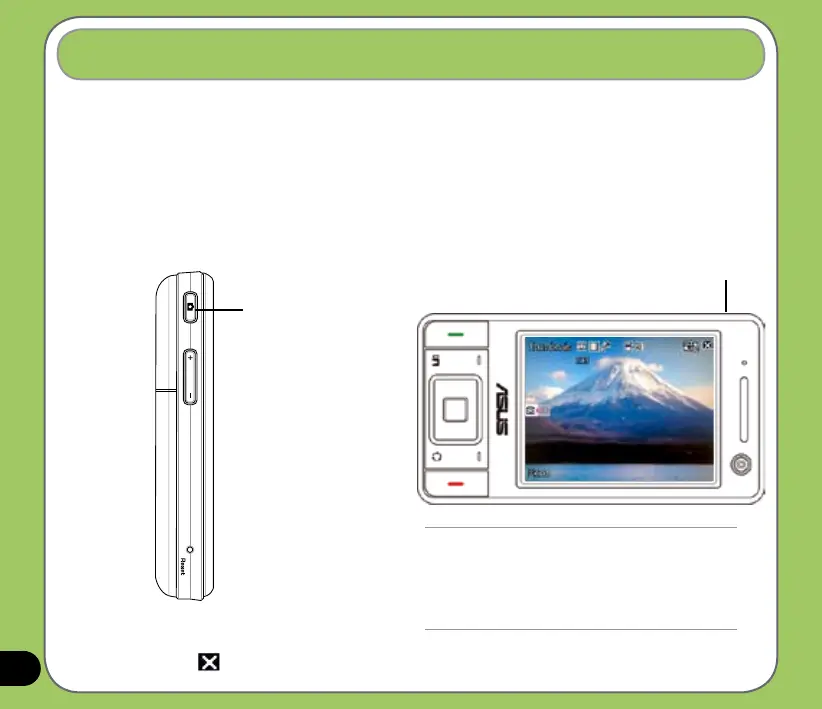
• Press the Camera button on the left side of your device.
Using the camera
Camera button
To exit the Camera:
• Tap the exit icon on the camera screen.
NOTE:
• By default, the preview screen is set to landscape.
• After launching the camera, your device is set to
camera mode by default.
• In camera mode, the camera button function as
shutter button.
Camera/shutter button



 To Next Page