30
Using the Letter Recognizer
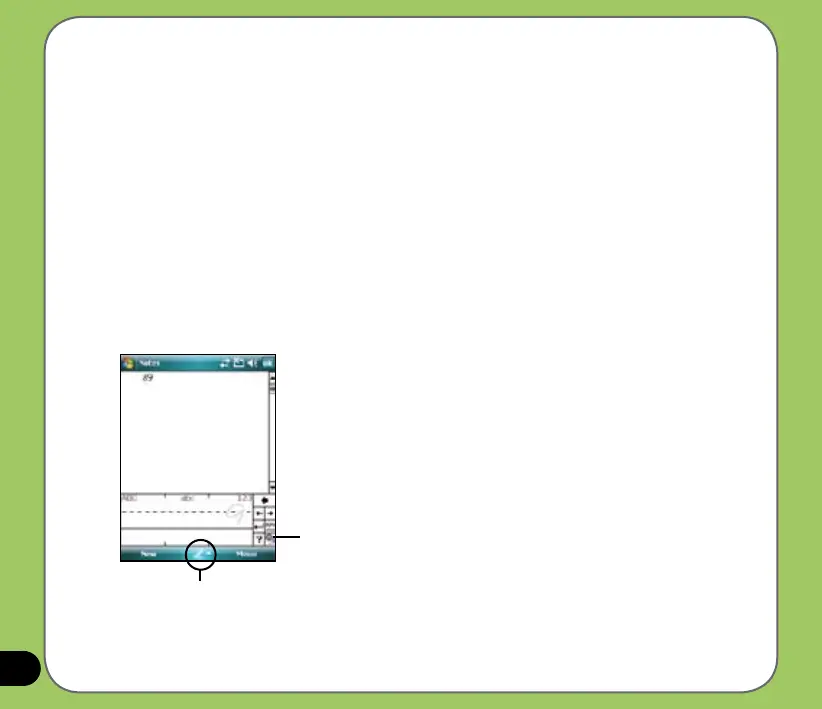
With the Letter Recognizer you can write individual letters, numbers, or special characters,
which are converted into typed text.
To use the Letter Recognizer:
1. In an application, tap the Input Panel arrow, then tap Letter Recognizer.
2. Write letters, numbers, symbols, or punctuations in the designated writing area.
• Write capital letters on the
ABC (left) area of the box.
• Write lower case letters on the
abc (middle) area of the box.
• Write numbers on the 123
(right) area of the box.
• Tap the special symbols button to key in symbols, punctuations and other special
characters.
• Tap Help “?” button for help on how to write characters.
Input panel
Tap for special
characters



 To Next Page