26
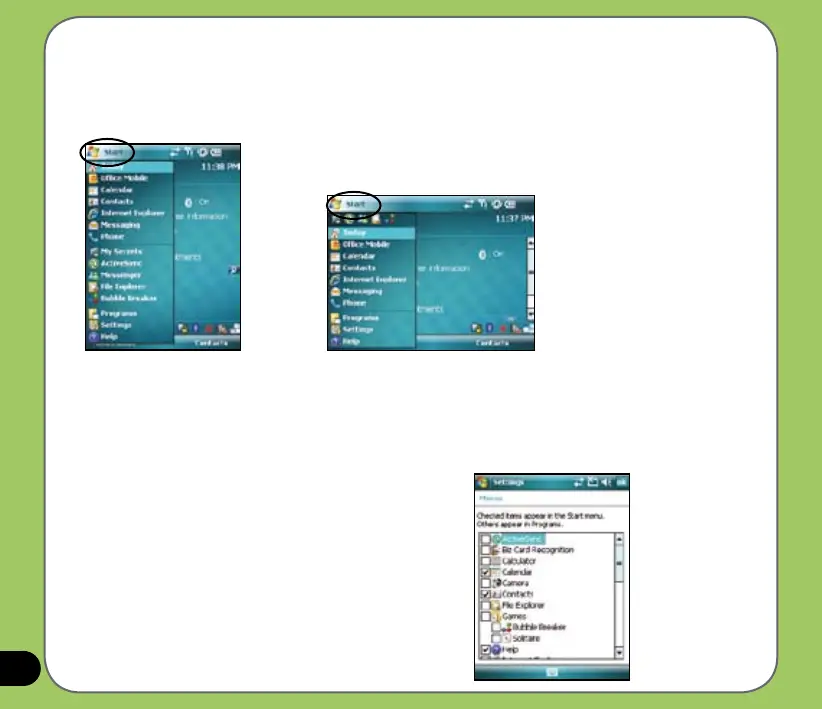
Start menu
The Start menu contains various programs and applications that you commonly use.
Tap Start to display the start menu items:
You can also customize the items that appear in the
Start menu.
To do this:
1. Tap Start > Settings > Personal tab > Menus.
2. Select the check boxes of the items you want to
appear in the Start menu. You can select up to
seven (7) items.
Portrait mode
Landscape mode



 To Next Page