40
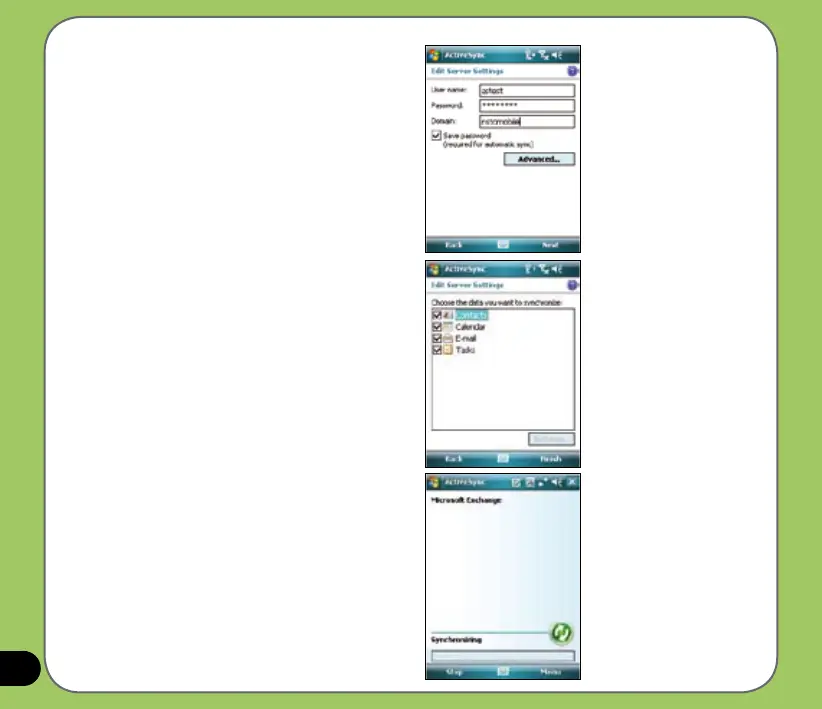
4. Tap the check boxes to select the data
items that you want to synchronize
with Exchange Server. To change the
available synchronization settings,
select a data item then tap Settings.
Tap Finish when done.
3. Input your name, password, and
domain then tap Next.
5. Start the sync process.



 To Next Page