75
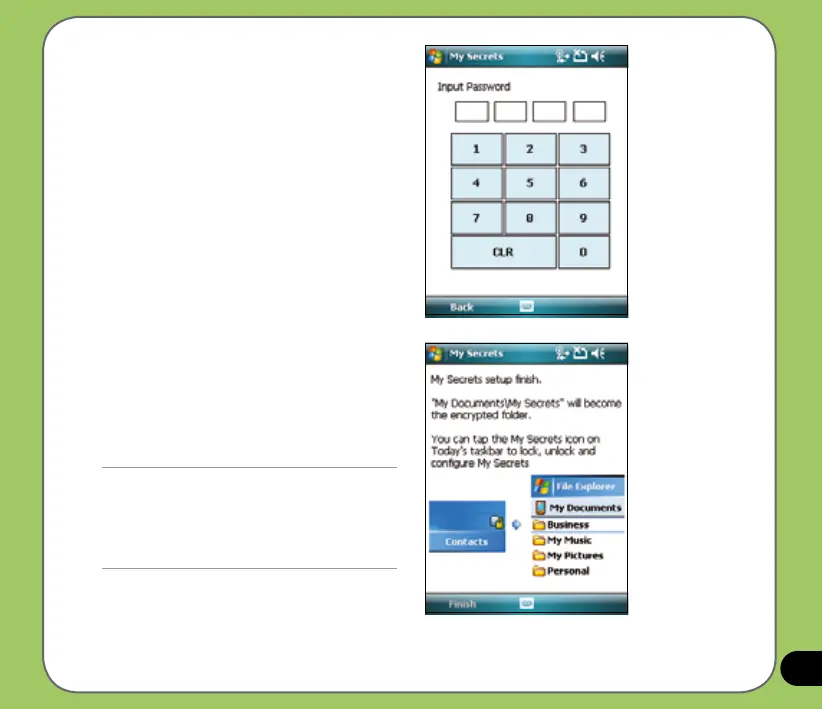
3. Key in a 4-digit password.
4. When prompted, key in the same
password again to conrm.
5. Tap Finish.
When nished, the
My Documents\My Secrets becomes
an encrypted folder. You can now start
using this folder.
IMPORTANT:
• When locked, the My Secrets folder is hidden. Use
password to unlock folder and access les.
• You can tap the My Secrets icon on the Today
screen to lock, unlock, and congure My Secrets.
See next page for details.



 To Next Page