95
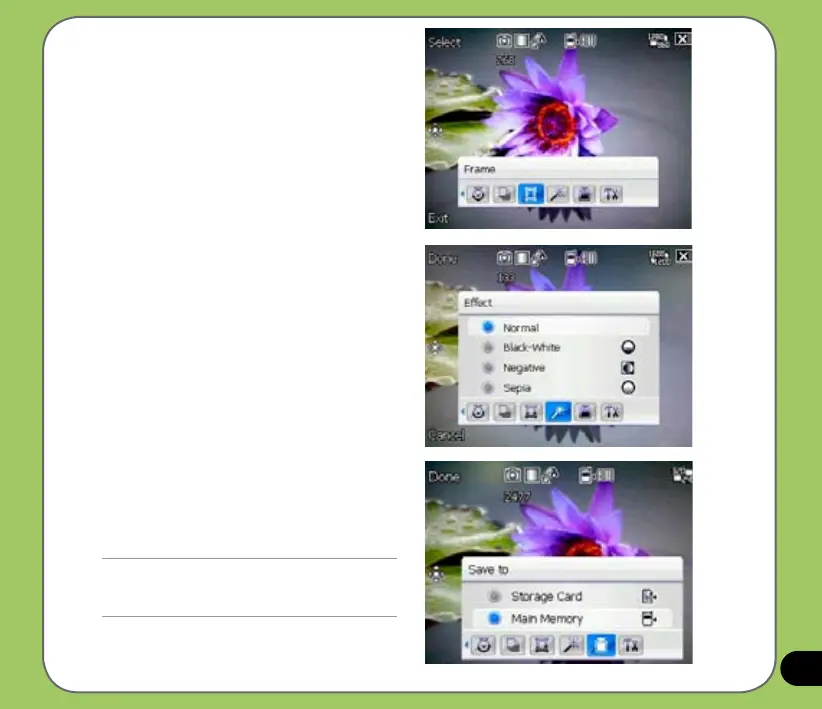
Frame
Allows you to set a frame. This feature is
only available when the resolution is set to
320x240.
Effect
The Effect option allows you to apply some
effects to the subject. Select from the
following conguration options: Black-White,
Negative, and Sepia. Set to Normal for no
effect.
Save to
Allows you to select the default storage for
captured pictures.
NOTE:
Prepare a MiniSD card before setting default storage
to Storage Card.



 To Next Page