ASUS RS720-E7/RS12; RS720-E7/RS12-E 6-7
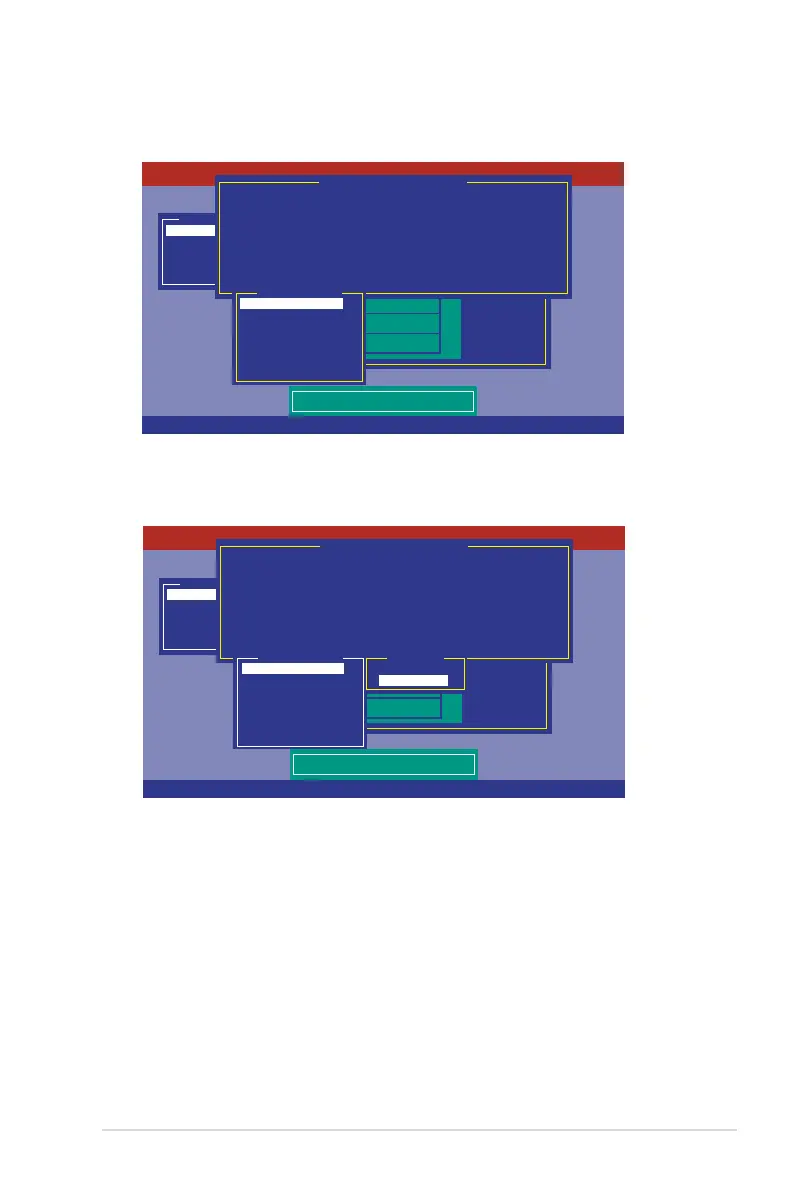
5. Press <F10> again, the virtual drive information appears including a
Virtual
Drive
menu that allows you to change the virtual drive parameters.
Management Menu
Congure
Initialize
Objects
Rebuild
Check Consistency
PORT #
DNLIN A00-00
DNLIN A00-01
0
1
LSI Software RAID Conguration Utility Ver C.05 Sep 17, 2010
BIOS Version A.10.09231523R
Easy Conguration - ARRAY SELECTION MENU
Virtual Drive(s) Congured
LD RAID Size #Stripes StripSz Status
0 1 148.580GB 2 64 KB ONLINE
Virtual Drive 0
RAID = 1
Units= MB
Size = 152146MB
DWC = Off
RA = On
Accept
SPAN = NO
Choose RAID Level For This VD
Use Cursor Keys To Navigate Between Items And Press Enter To Select An Option
6. Select
RAID
from the
Virtual Drive
sub-menu, and then press <Enter>.
7. Select the
RAID
level from the menu, and then press <Enter>.
Management Menu
Congure
Initialize
Objects
Rebuild
Check Consistency
PORT #
DNLIN A00-00
DNLIN A00-01
0
1
LSI Software RAID Conguration Utility Ver C.05 Sep 17, 2010
BIOS Version A.10.09231523R
Easy Conguration - ARRAY SELECTION MENU
Virtual Drive(s) Congured
LD RAID Size #Stripes StripSz Status
0 1 148.580GB 2 64 KB ONLINE
Virtual Drive 0
RAID = 1
Units= MB
Size = 152146MB
DWC = Off
RA = On
Accept
SPAN = NO
Choose RAID Level For This VD
RAID Level
RAID 0
RAID 1
Use Cursor Keys To Navigate Between Items And Press Enter To Select An Option














 To Next Page