ASUS RS720-E7/RS12; RS720-E7/RS12-E 6-31
Select a destination disk with the same size as the original hard disk.
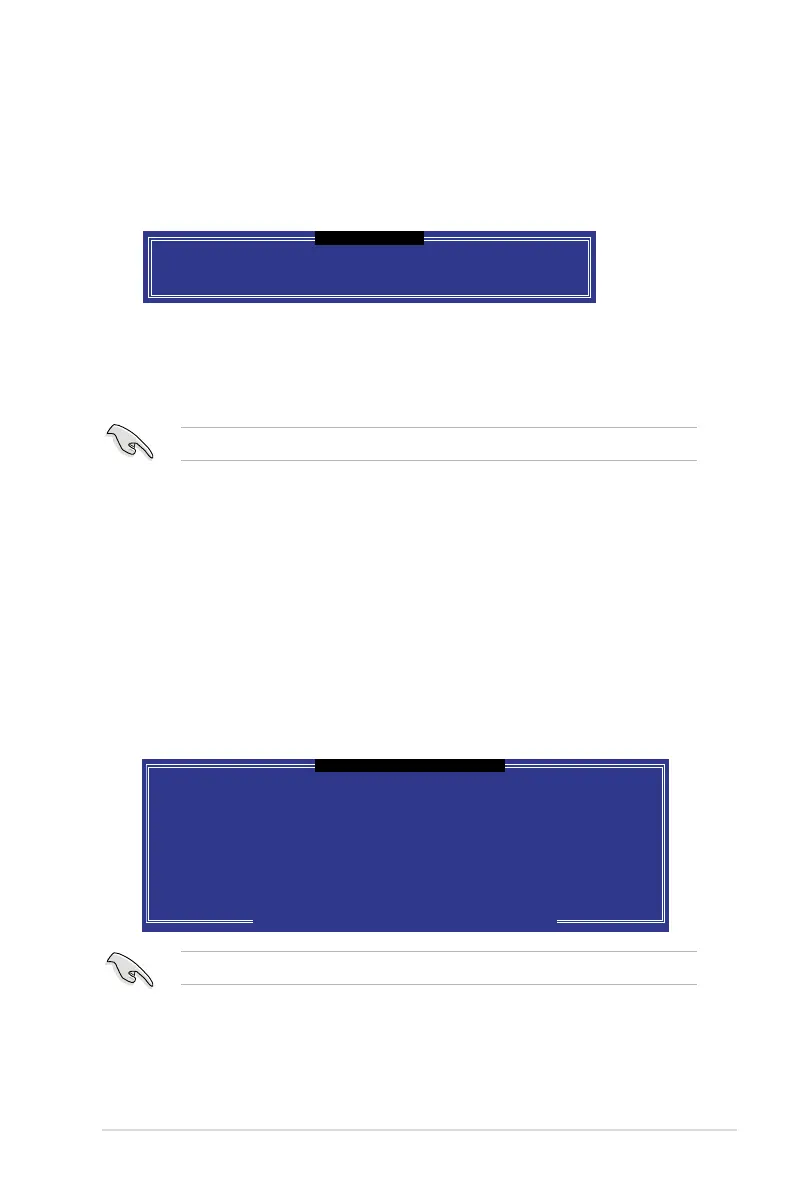
[ DEGRADED VOLUME DETECTED ]
[
↑↓
]-Previous/Next [ENTER]-Select [ESC]-Exit
"Degraded" volume and disk available for rebuilding detected. Selecting
a disk initiates a rebuild. Rebuild completes in the operating system.
Select the port of destination disk for rebuilding (ESC to exit):
Port Drive Model Serial # Size
X XXXXXXXXXXX XXXXXXXX XX.XGB
6.3.6 Rebuilding the RAID
This option is only for the RAID 1, RAID 5 and RAID 10 sets.
Rebuilding the RAID with other non-RAID disk
If any of the SATA hard disk drives included in the RAID 1 array failed, the system
displays the status of the RAID volume as “
Degraded
” during POST. You can
rebuild the RAID array with other installed non-RAID disks.
To rebuild the RAID with other non-RAID disk:
1. At the prompt, press <Ctrl> + <I> to enter the Intel Matrix Storage Manager
option ROM utility.
2. If there is a non-RAID SATA Hard Disk available, the utility will prompt to
rebuild the RAID. Press <Enter>, and then use up/down arrow keys to select
the destination disk or press <ESC> to exit.
6.3.5 Exiting the Intel
®
Rapid Storage Technology utility
To exit the utility
1. From the utility main menu, select
4. Exit
, and then press <Enter>. The
following warning message appears.
2. Press <Y> to exit or press <N> to return to the utility main menu.
Are you sure you want to exit? (Y/N):
[ CONFIRM EXIT ]














 To Next Page