ASUS RS720-E7/RS12; RS720-E7/RS12-E 7-5
7.1.2 Installing the RAID controller driver
During Windows
®
Server 2008 OS installation
To install the RAID controller driver when installing Windows
®
Server 2008 OS
1. Boot the computer using the Windows
®
Server 2008 OS installation disc.
Follow the screen instructions to start installing Windows Server 2008.
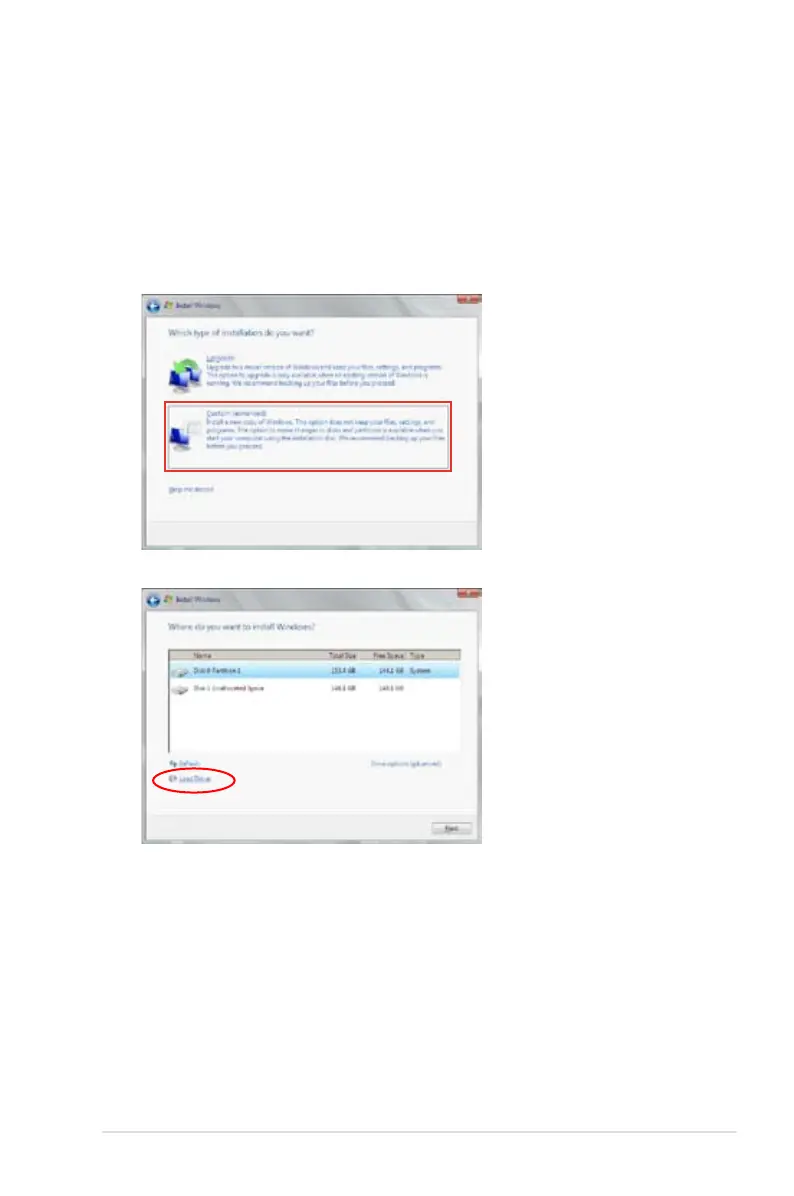
2. When prompted to choose a type of installation, click
Custom (advanced)
.
3. Click
Load Driver.














 To Next Page