ASUS RS720-E7/RS12; RS720-E7/RS12-E 5-21
S.M.A.R.T. Status Check [Enabled]
S.M.A.R.T. (Self-Monitoring, Analysis and Reporting Technology) is a monitor
system. When read/write of your hard disk errors occur, this feature allows the hard
disk to report warning messages during the POST.
Conguration options: [Enabled] [Disabled]
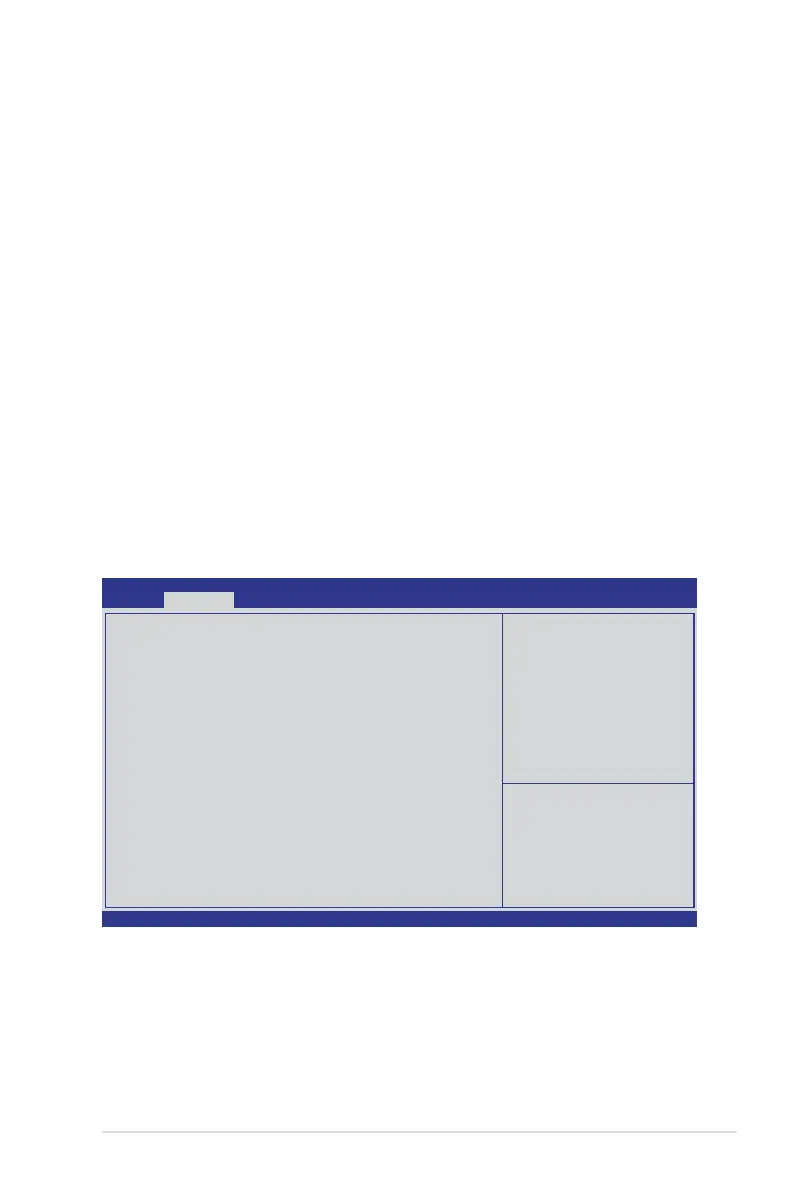
5.4.5 PCHSCUSASConguration
The PCH SCU SAS conguration items appears only when you installed the
ASRK Module (optional) on the motherboard. This menu automatically detects and
displays the Device 1-4.
Intel
®
RSTe SATA RAID 5 support requires additional BIOS setting with below two
kinds of H/W conguration. The user can set [SATA only RAID5] as enabled to
have RAID 5 supported with SATA hard drives, but the SAS hard drive cannot be
supported when this function is enabled.
Here are the two kinds of H/W conguration mentioned above:
1.The PCH of the motherboard is hard SKU –B or –D.
or
2.The PCH of the motherboard is hard SKU –A with ASRK #1 or ASRK #5 enabled.
Patsburg B/D sku only
Device1 Not Present
Device2 Not Present
Device3 Not Present
Device4 Not Present
Sata only RAID5 [Disabled]
→←: Select Screen
↑↓: Select Item
Enter: Select Item
+/-: Change Opt.
F1: General Help
F2: Previous Values
F5: Optimized Defaults
F10: Save & Exit
ESC: Exit
Aptio Setup Utility - Copyright (C) 2011 American Megatrends, Inc.
Advanced
Version 2.15.1219. Copyright (C) 2011 American Megatrends, Inc.














 To Next Page