ASUS RS720-E7/RS12; RS720-E7/RS12-E 4-5
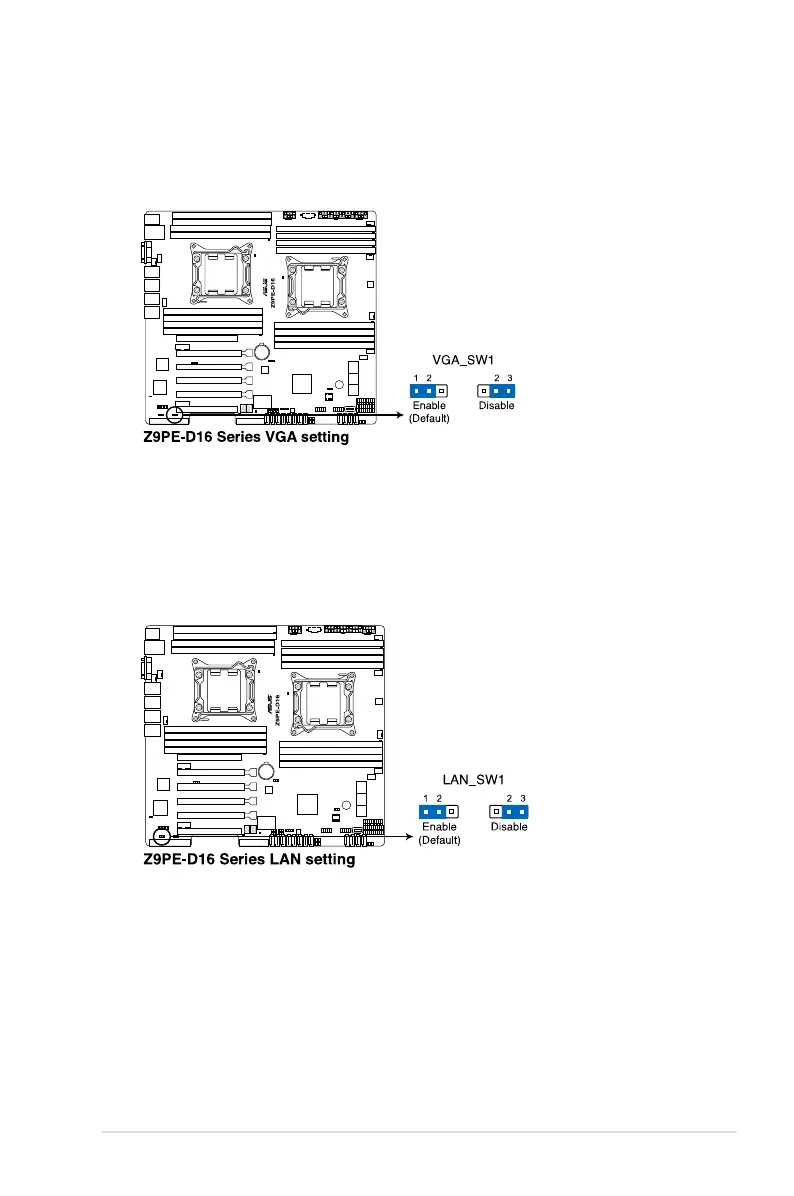
2. VGA controller setting (3-pin VGA_SW1)
This jumper allows you to enable or disable the onboard VGA controller. Set
to pins 1–2 to activate the VGA feature.
3. LAN controller setting (3-pin LAN_SW1)
These jumpers allow you to enable or disable the onboard Intel® I350 Gigabit
LAN controllers. Set to pins 1-2 to activate the Gigabit LAN feature.














 To Next Page