ASUS RS720-E7/RS12; RS720-E7/RS12-E 6-17
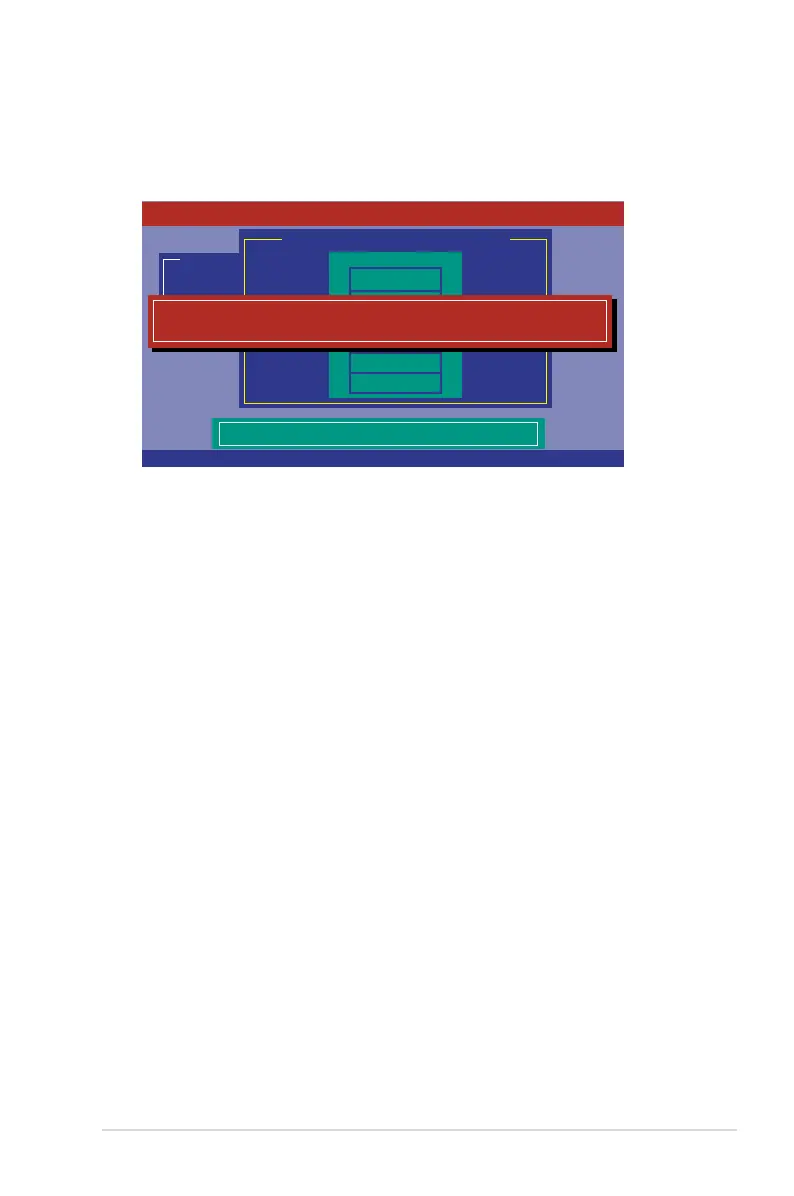
3. After selecting the drive to rebuild, press <F10>. When prompted, press <Y>
to rebuild the drive.
4. When rebuild is complete, press any key to continue.
Management Menu
Congure
Initialize
Objects
Rebuild
Check Consistency
Port # 1 DISK 77247MB HDS728080PLA380 PF20A60A
REBUILD - PHYSICAL DRIVES SELECTION MENU
PORT #
ONLIN A00-00
RBLD A00-01
0
1
Rebuilding Of Drive Will Take A Few Minutes. Start Rebuilding Drive (Y/N)?
LSI Software RAID Conguration Utility Ver C.05 Sep 17, 2010
BIOS Version A.10.09231523R
SPACE-(De)Select,F10-Start Rebuild,F2-Drive Information,F3-View Virtual Drives














 To Next Page